虽然灵活性很好,但固定办公桌对需要一致性的角色或人员至关重要。
需要永久、保密空间的C级和高级管理人员。
处理敏感纸质文件的部门,如法务、财务或人力资源。
每周五天在办公室工作的员工,享受稳定、个性化的设置。
需要专用椅子、显示器或其他无法每天搬动设备的团队成员。
Share one assigned workstation across compatible schedules, then use priority windows to give the right people first access before remaining desks open to everyone.
由办公日不重叠的同事共用同一个指定工位,并可为指定群组设定优先预约时段。
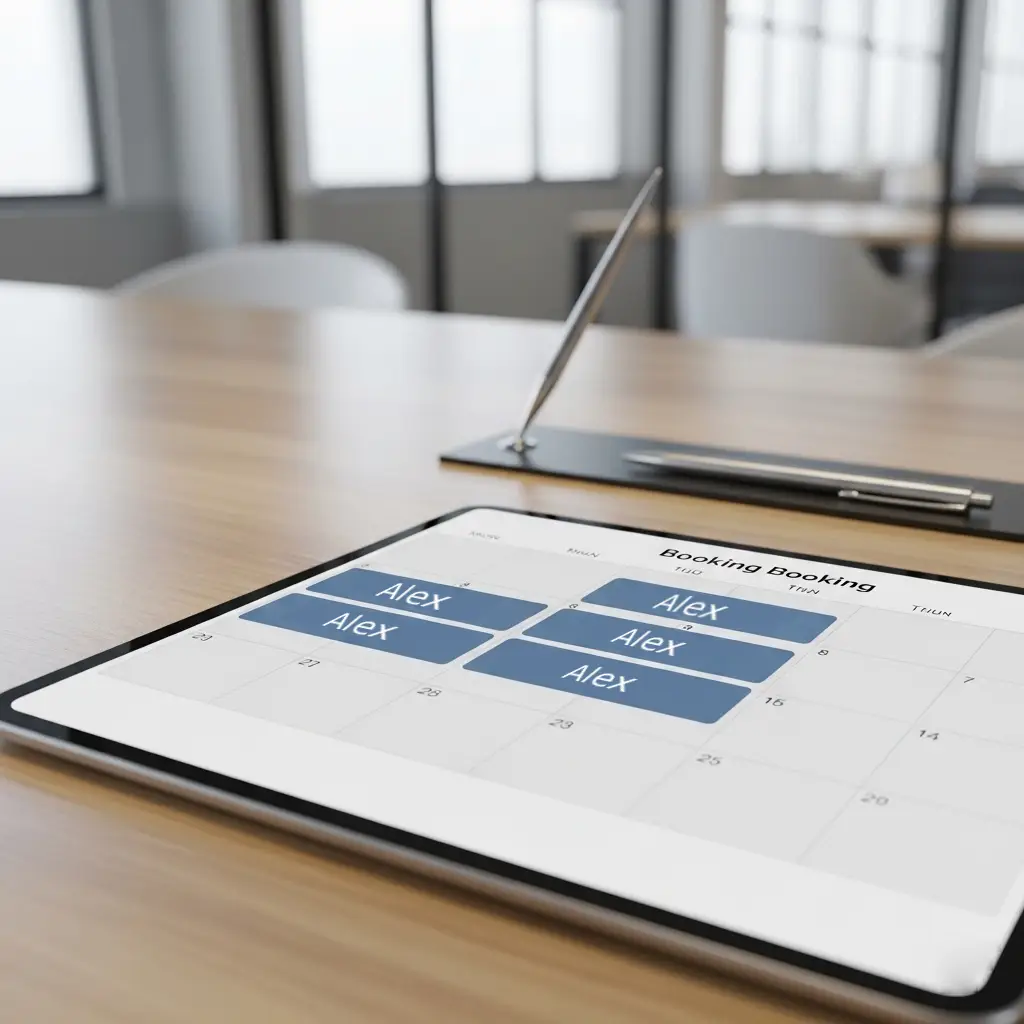
It is one workstation assigned to multiple named people on different office days, combining a familiar seat with better utilization.
A configured group receives access during an earlier booking window. Remaining availability opens to other eligible users afterward.
Yes. Administrators can define when unused assigned or priority-held capacity returns to shared inventory.
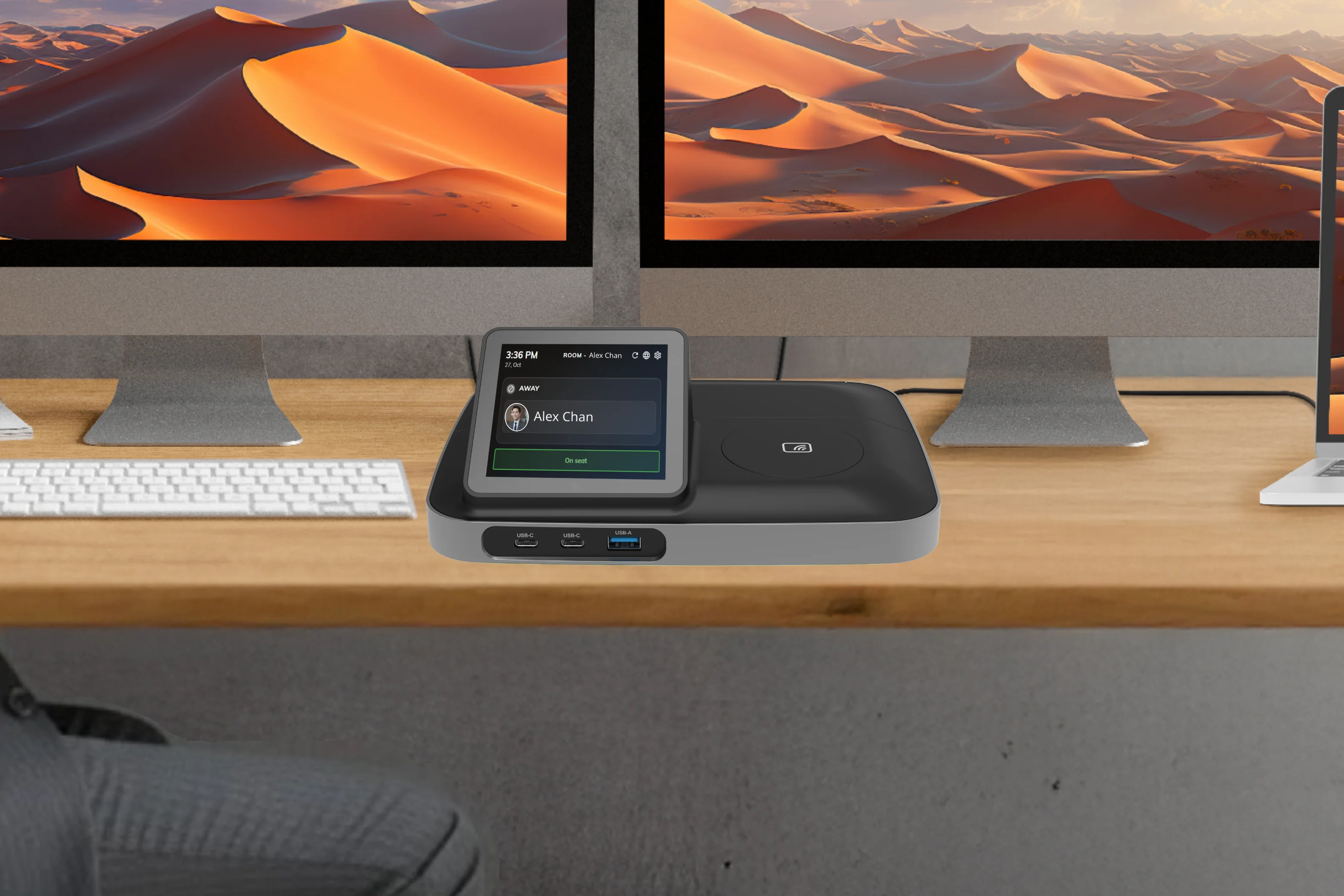
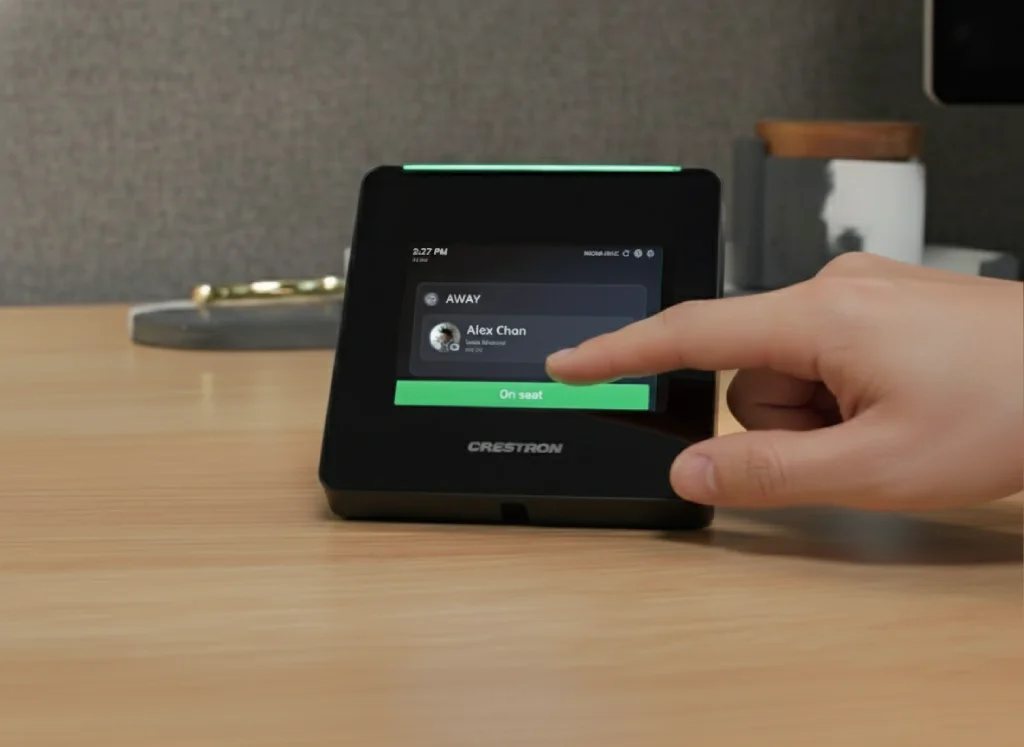
固定办公桌并不意味着过时。现代办公技术将简单的固定办公桌转变为强大的连接枢纽。这就是智能设备(如Crestron Desk Touch或TDD-1000 BookBuddy Connect)发挥作用的地方。
从桌面设备签到或签退。同事能看到实时在座状态——决定要不要走过去、约会议,还是再等一等。
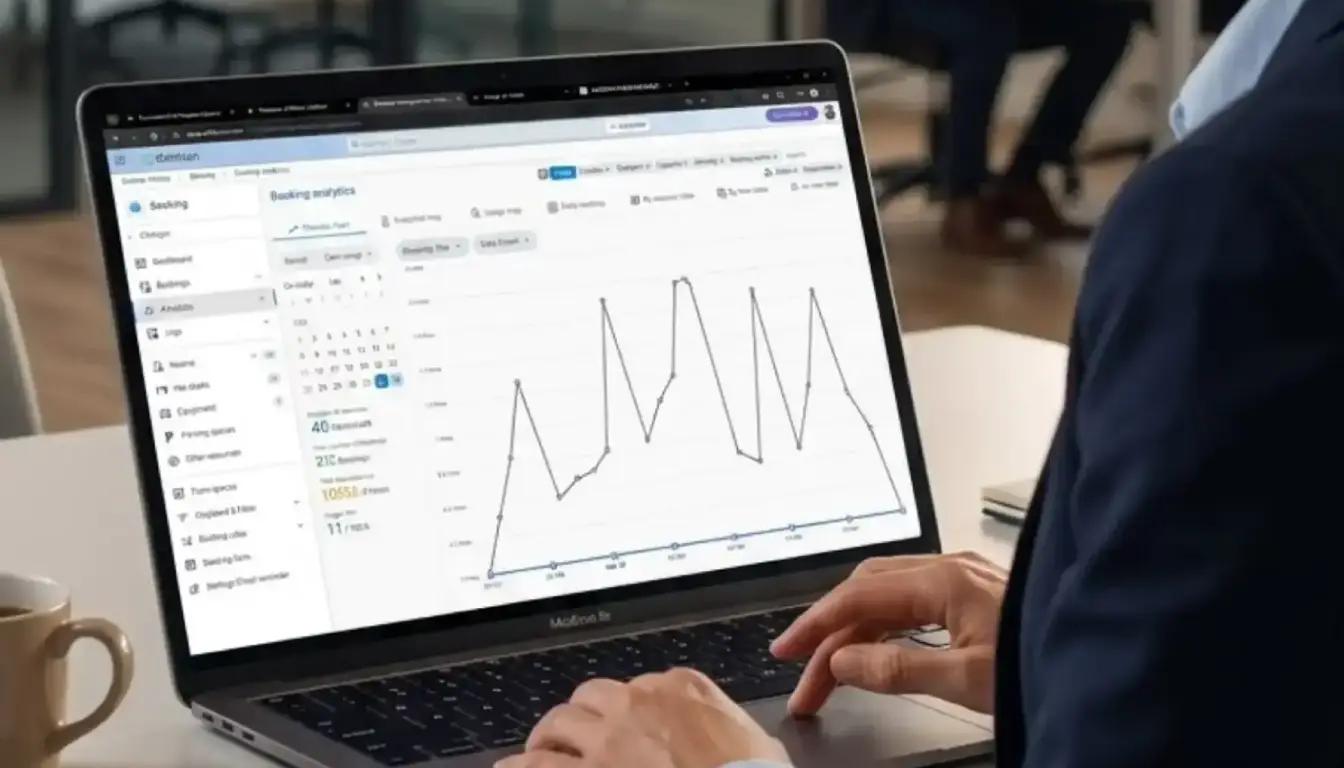
对于人力资源或设施管理者,这提供了宝贵的实时办公空间使用数据。
这使办公桌真正互动。桌面设备可以作为服务门户,员工只需轻触按钮即可:
这将员工的物理空间直接整合到楼宇的设施管理和接待服务中,提高效率和员工体验。
成功的办公室不仅仅是选择固定办公桌或共享办公桌,而是为整个团队创建平衡的生态系统。
Offision是一体化工作空间管理平台,简化整个办公室。不论是为高管分配永久办公桌、管理高科技服务请求,还是帮助混合办公员工预订共享办公桌,Offision都为人力资源和设施管理者提供一个简单易用的系统。
但管理这种组合可能很复杂。如何跟踪哪些办公桌是固定的?如何管理员工状态?如何处理服务请求和灵活空间的预订?
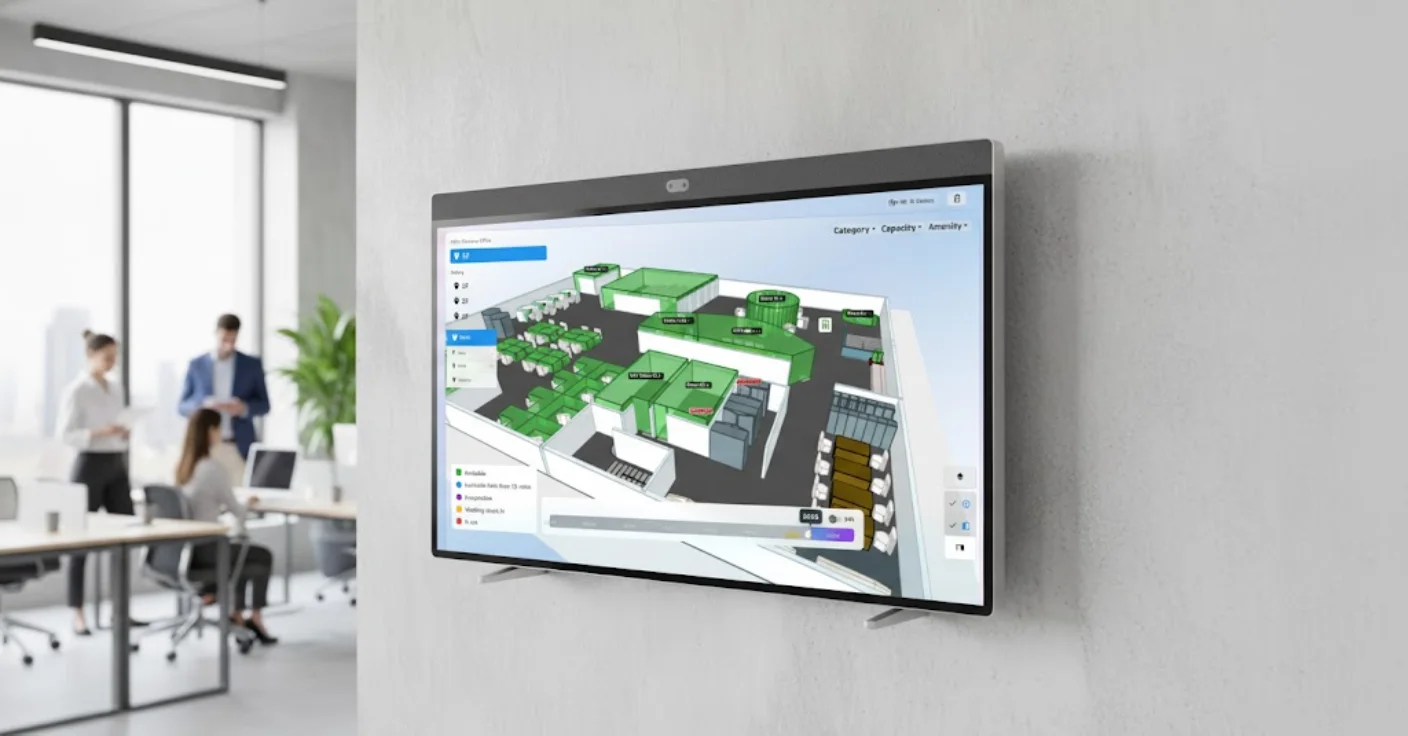
立即开始使用Offision为您的办公室提供互动实时地图,以便快速搜寻和管理可使用的办公桌、会议室、停车位等企业资源。
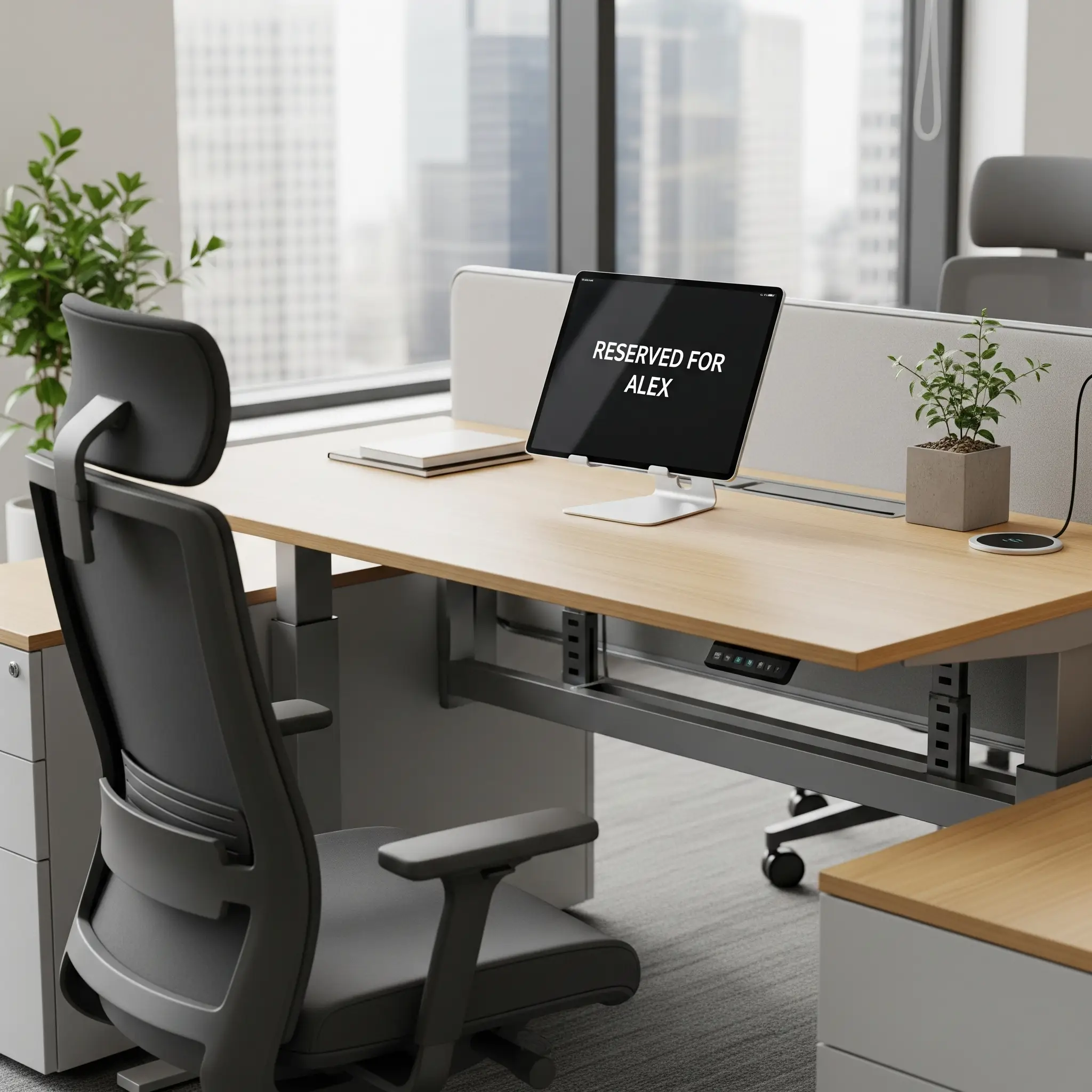
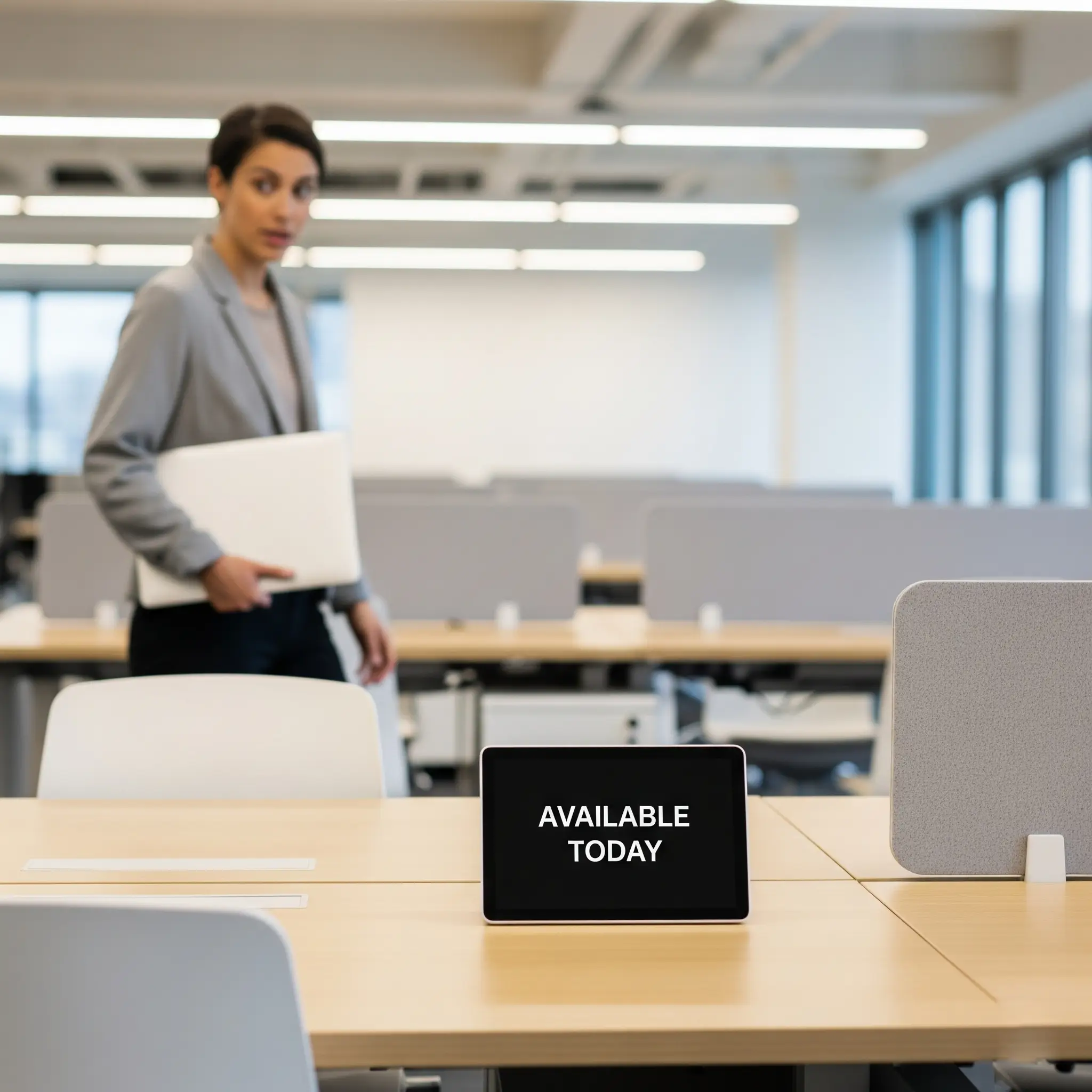
固定座位真正的痛点,是不知道人在不在。指定座位的实时在座状态,让同事走过去前就知道。
使用为现代工作空间设计的尖端硬件提升您的固定办公桌配置。这些解决方案与 Offision 无缝集成,提供完整的办公桌管理体验。
无缝集成现有工作空间工具和平台
直接从 Outlook 日历创建会议并与 Offision 同步。
安装Offision App即可直接在Teams上搜索和预订房间。
管理空间所需的一切,尽在一个平台。
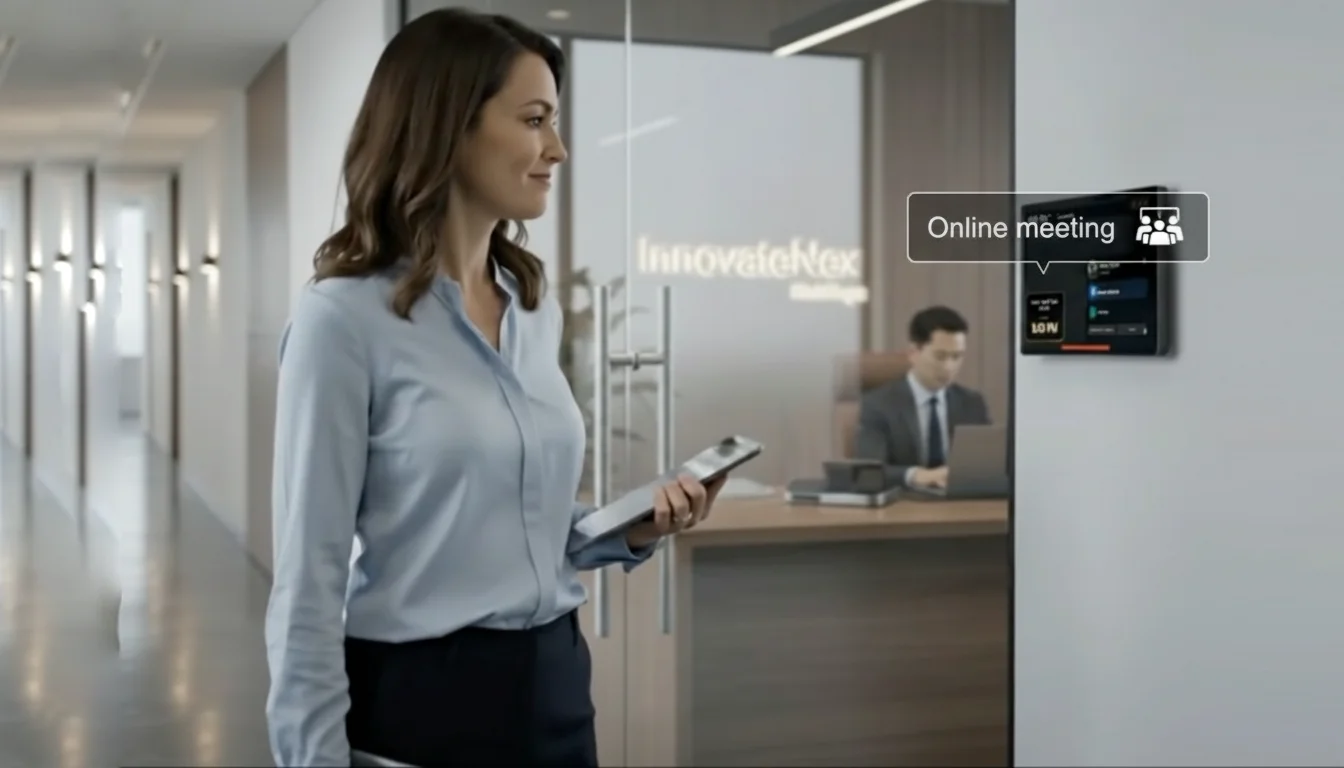
随时随地预订会议室。按容量、设备或楼层筛选。
AI 为您的会议推荐最佳空间。一键确认。
在一个平台上的一个办公室或多个地点管理您的办公空间。
定义用户空间以有效管理不同的办公区域。
用设备、容量、位置和家具标记区域,以便用户可以根据自己的需求过滤办公桌。
解决“僵尸会议”问题——预订但从未使用的会议室会人为限制办公室容量。自动释放模块检测爽约情况并自动释放空间,确保真正需要的团队随时可用。
允许您的员工通过桌面、移动应用程序或面板直接向管理层分享对办公用品的担忧。
每次预订都是一笔可在手机、网页或现场设备上开始、延长或结束的会话。管理员可配置流动、酒店式或固定办公桌及规则,贴合团队协作方式。
可供当天预订及使用的非指定座位。这提供了最大的灵活性,并支援临时的办公室到访。
可提前预订一天或多天的弹性座位。这能确保员工有工作空间,让他们能够确定地规划自己一周的工作。
分配给特定员工的永久工作空间。这提供了稳定性和个人化的空间,有助培养归属感。


©2026 ONES Software Ltd. All rights reserved.

 Neat 设备
 Crestron