雖然靈活性很好,但固定辦公桌對需要一致性的角色或人員至關重要。
需要永久、保密空間的C級和高階管理人員。
處理敏感紙本文件的部門,如法務、財務或人力資源。
每週五天在辦公室工作的員工,享受穩定、個人化的設置。
需要專用椅子、顯示器或其他無法每天搬運設備的團隊成員。
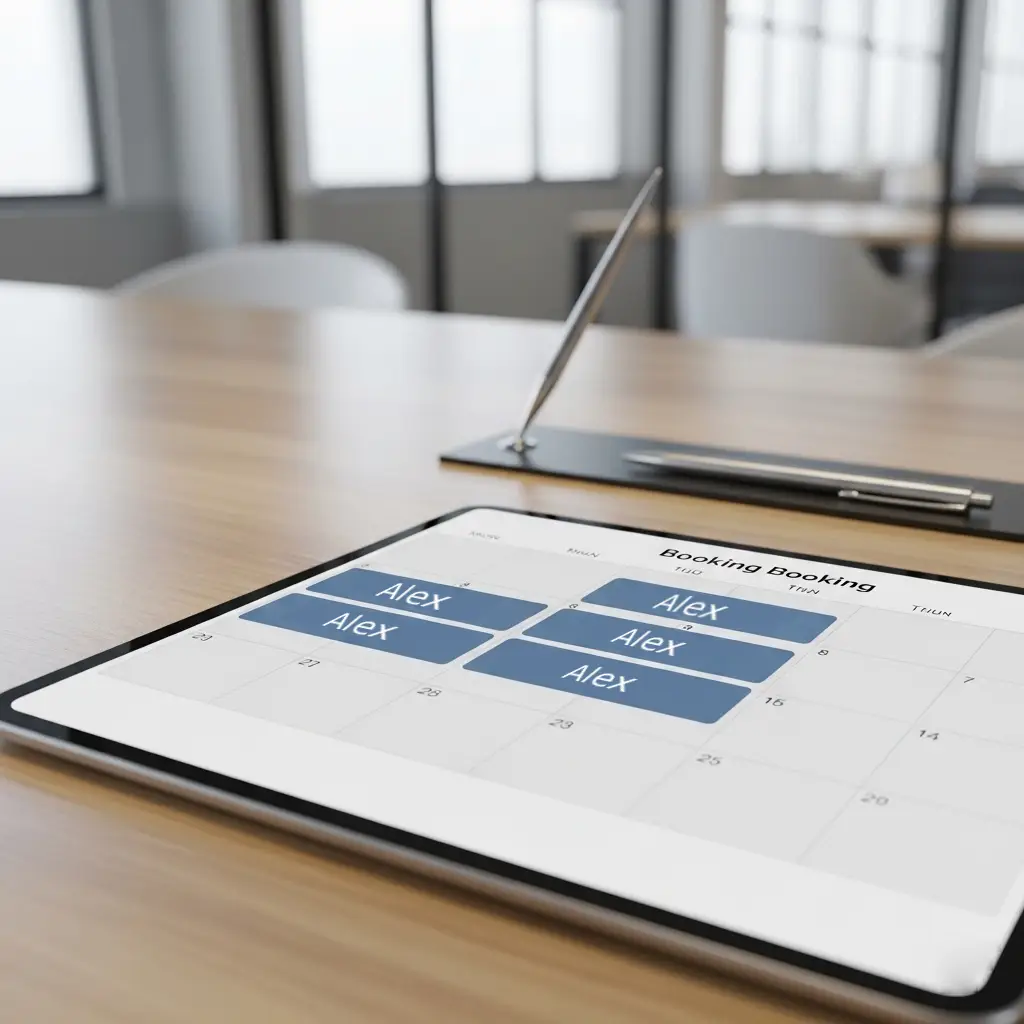
Share one assigned workstation across compatible schedules, then use priority windows to give the right people first access before remaining desks open to everyone.
由辦公日不重疊的同事共用同一個指定工位,並可為指定群組設定優先預約時段。
It is one workstation assigned to multiple named people on different office days, combining a familiar seat with better utilization.
A configured group receives access during an earlier booking window. Remaining availability opens to other eligible users afterward.
Yes. Administrators can define when unused assigned or priority-held capacity returns to shared inventory.
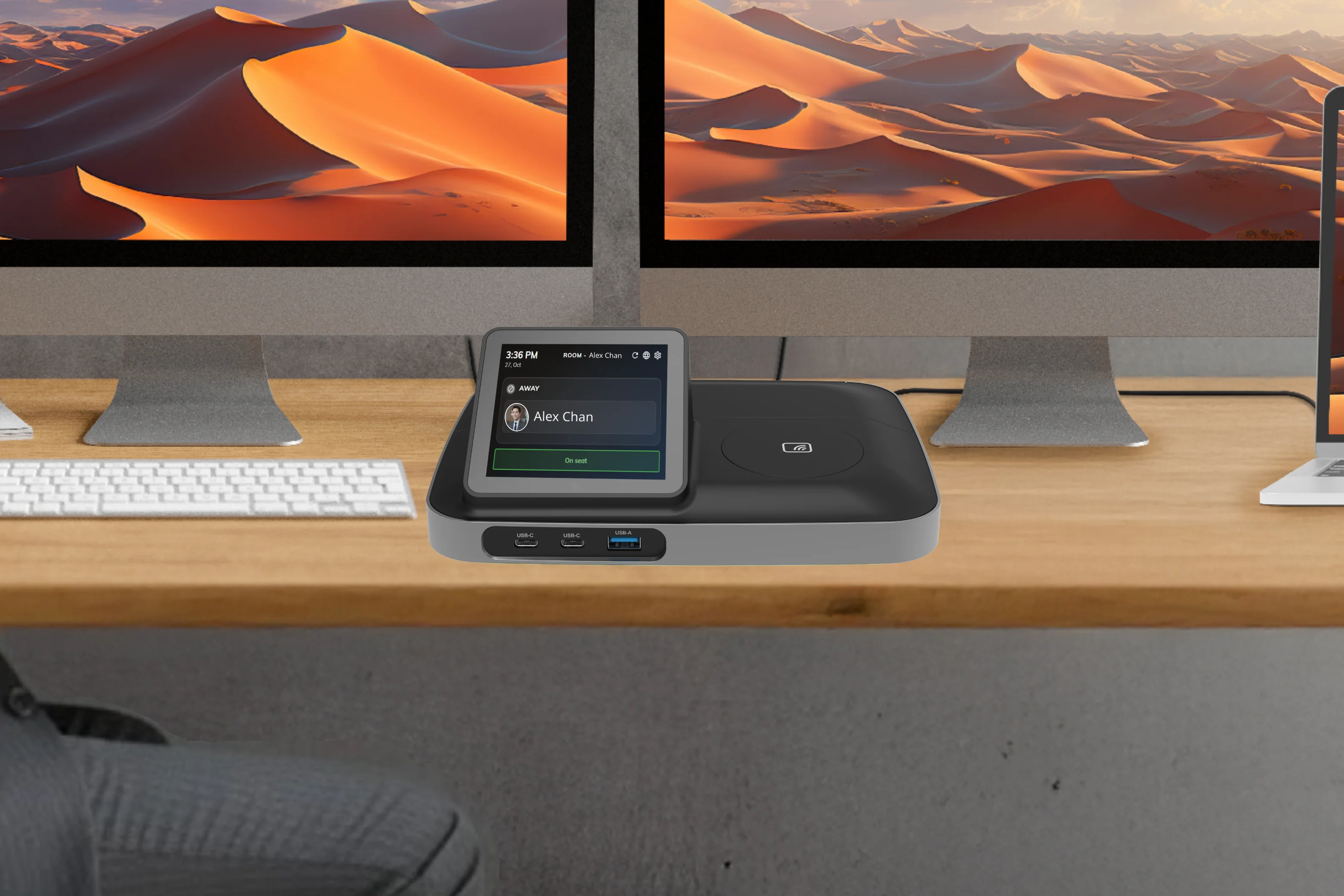
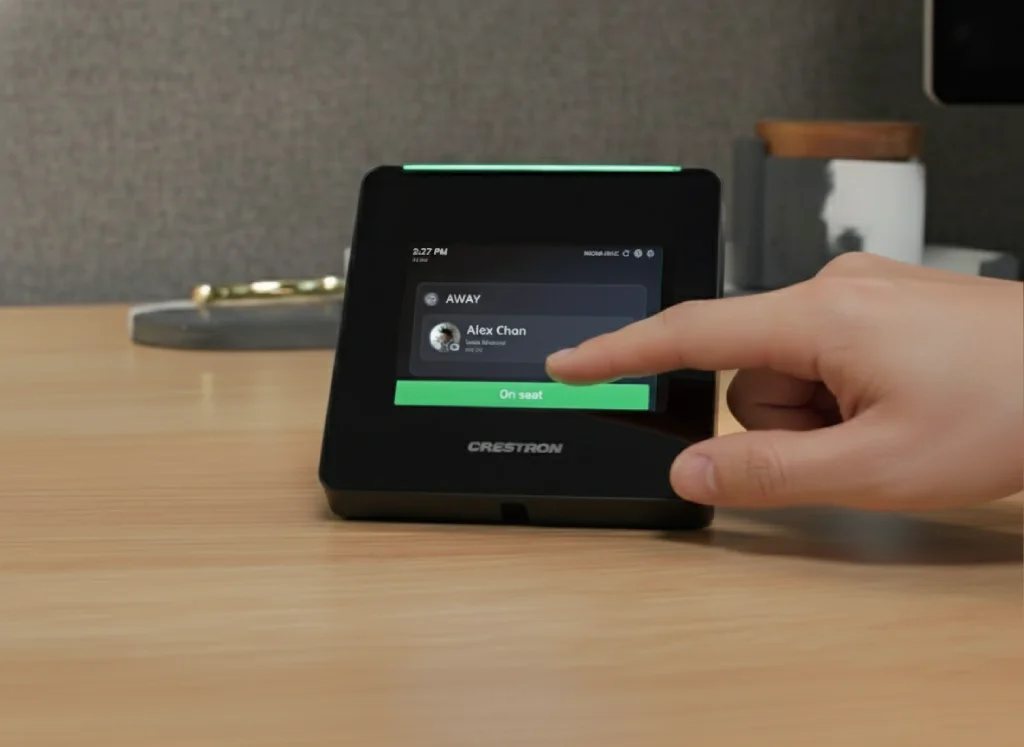
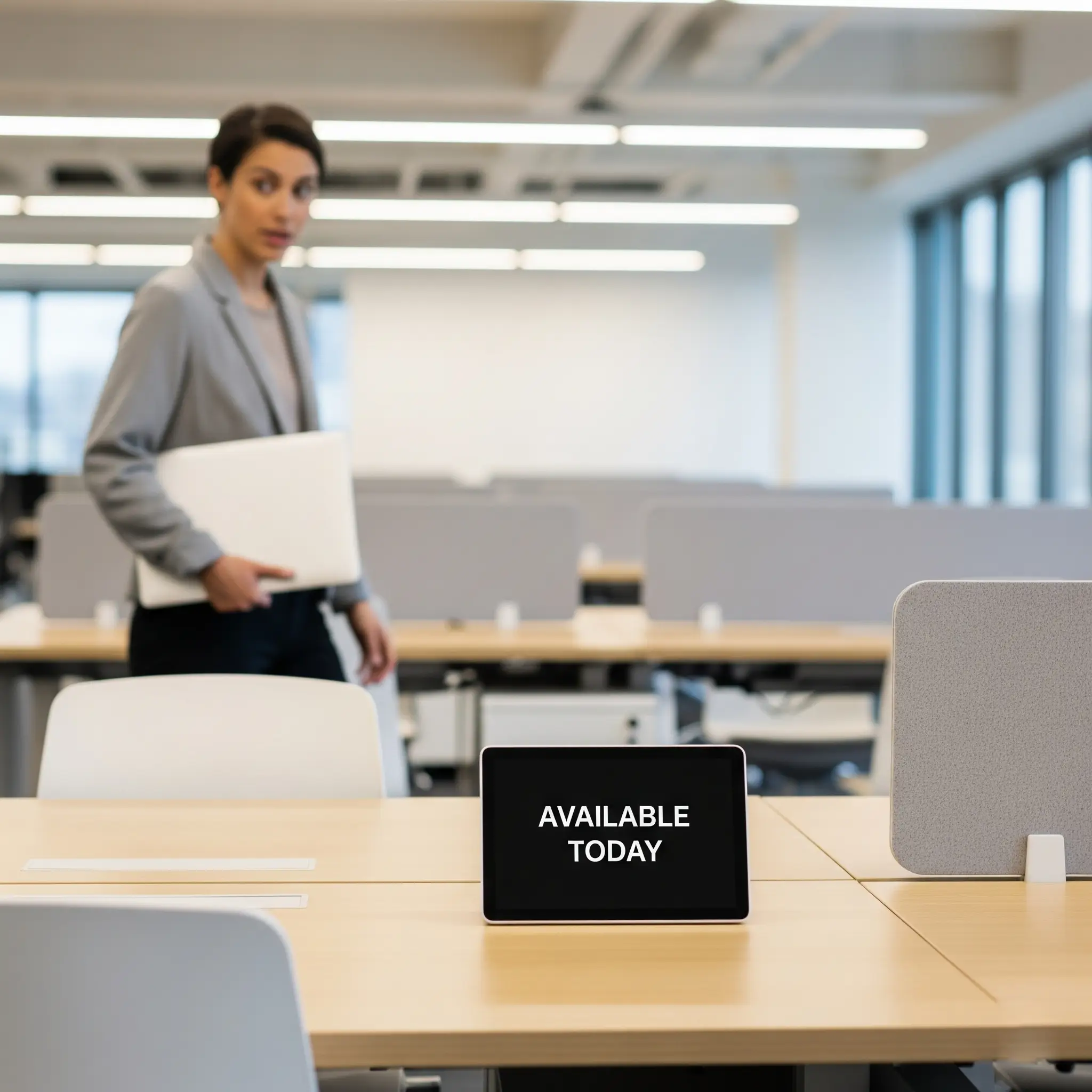
固定辦公桌並不意味著過時。現代辦公室技術將簡單的固定辦公桌轉變為強大的連結樞紐。這就是智慧型裝置(如Crestron Desk Touch或TDD-1000 BookBuddy Connect)發揮作用的地方。
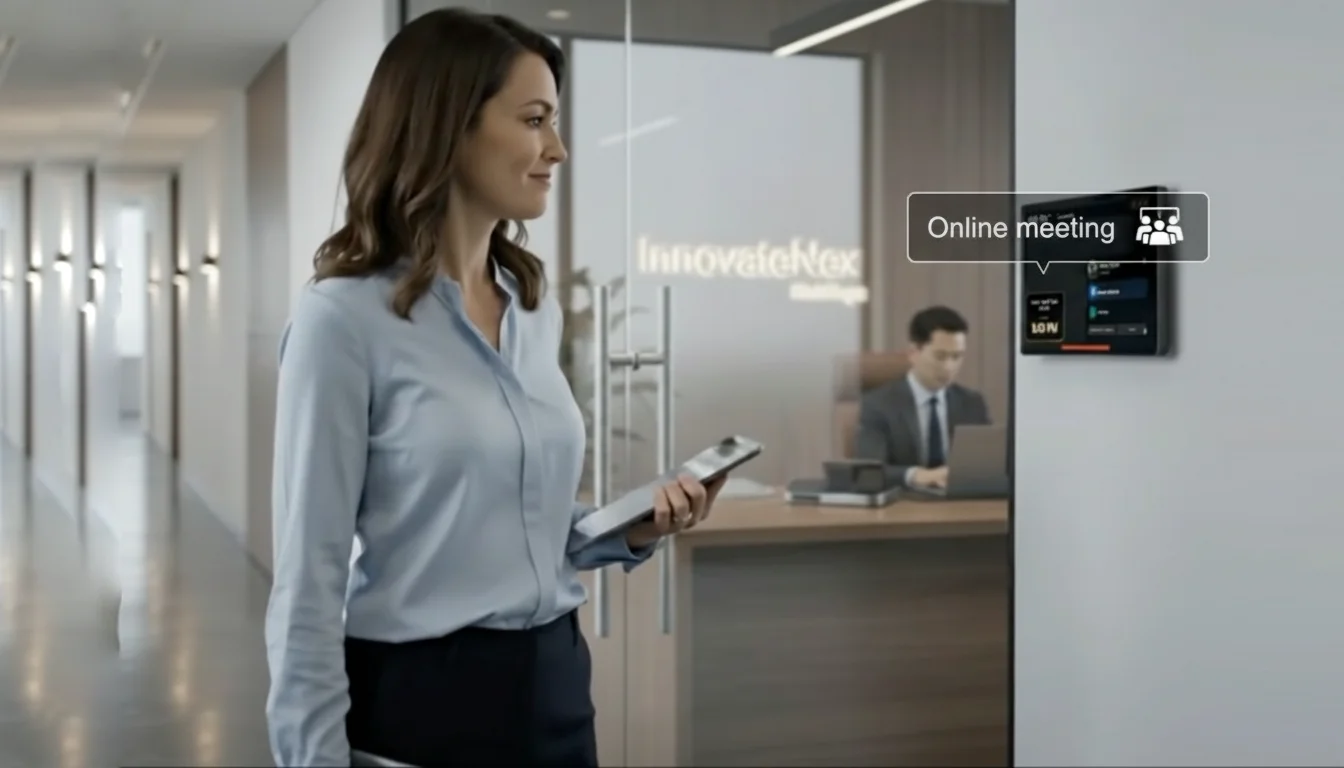
從桌面裝置簽到或簽退。同事能看到即時在座狀態——決定要不要走過去、約會議,還是再等一等。
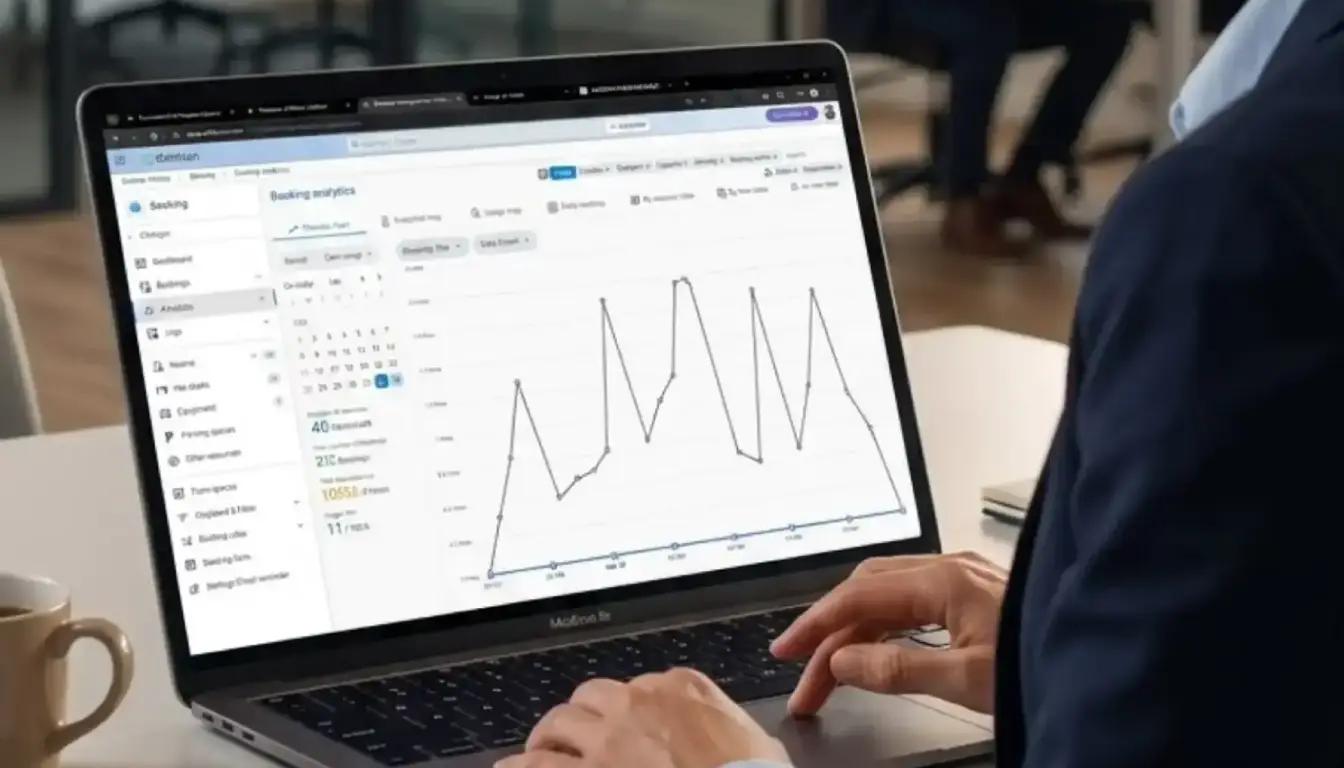
對於人力資源或設施管理者,這提供了寶貴的即時辦公空間使用數據。
這使辦公桌真正互動。桌面設備可以作為服務門戶,員工只需輕觸按鈕即可:
這將員工的實體空間直接整合到樓宇的設施管理和接待服務中,提高效率和員工體驗。
成功的辦公室不僅是選擇固定辦公桌或共享辦公桌,而是為整個團隊創造平衡的生態系統。
Offision是一體化工作空間管理平台,簡化整個辦公室。不論是為高階主管分配永久辦公桌、管理高科技服務請求,還是幫助混合辦公員工預訂共享辦公桌,Offision都為人力資源和設施管理者提供一個簡單易用的系統。
但管理這種組合可能很複雜。如何追蹤哪些辦公桌是固定的?如何管理員工狀態?如何處理服務請求和靈活空間的預訂?
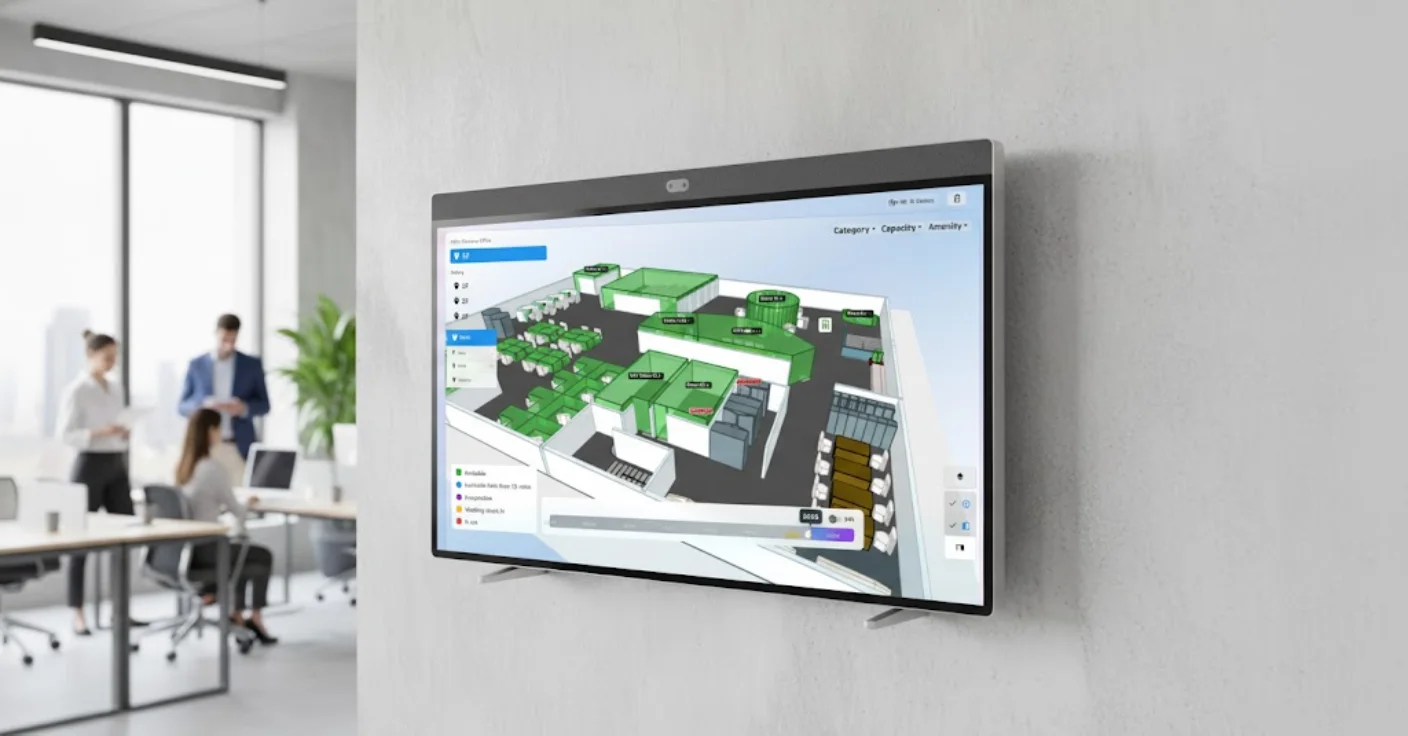
立即開始使用Offision為您的辦公室提供互動實時地圖,以便快速搜尋和管理可使用的辦公桌、會議室、停車位等企業資源。
固定座位真正的痛點,是不知道人在不在。指定座位的即時在座狀態,讓同事走過去前就知道。
使用為現代工作空間設計的尖端硬體提升您的固定桌位配置。這些解決方案與 Offision 無縫整合,提供完整的桌位管理體驗。
無縫整合現有工作空間工具與平台
直接從 Outlook 行事曆建立會議並與 Offision 同步。
安裝Offision App即可直接在Teams上搜尋和預約房間。
管理空間所需的一切,盡在一個平台。
隨時隨地預訂會議室。按容量、設備或樓層篩選。
AI 為您的會議推薦最佳空間。一鍵確認。
在一個平台上的一個辦公室或多個地點管理您的辦公空間。
定義使用者空間以有效管理不同的辦公區域。
用設備、容量、位置和家具標記區域,以便使用者可以根據自己的需求過濾辦公桌。
解決「殭屍會議」問題——預訂但從未使用的會議室會人為限制辦公室容量。自動釋放模組偵測爽約情況並自動釋放空間,確保真正需要的團隊隨時可用。
讓您的員工透過桌面、行動應用程式或面板直接向管理層分享對辦公用品的擔憂。
每次預訂都是一筆可在手機、網頁或現場裝置上開始、延長或結束的工作階段。管理員可設定流動、酒店式或固定辦公桌及規則,貼合團隊協作方式。
可供當天預訂及使用的非指定座位。這提供了最大的靈活性,並支援臨時的辦公室到訪。
可提前預訂一天或多天的彈性座位。這能確保員工有工作空間,讓他們能夠確定地規劃自己一週的工作。
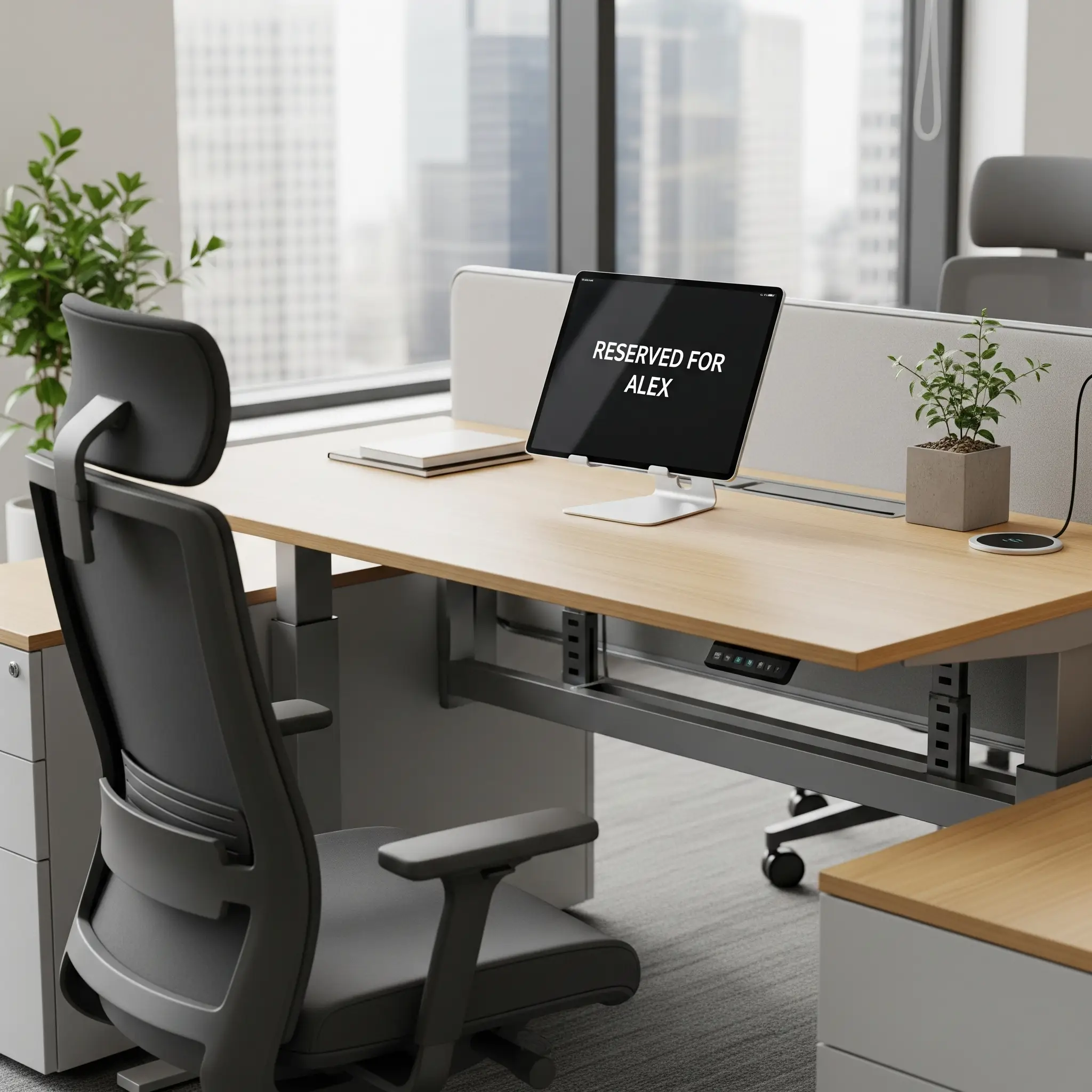
分配給特定員工的永久工作空間。這提供了穩定性和個人化的空間,有助培養歸屬感。


©2026 ONES Software Ltd. All rights reserved.

 Neat 裝置
 Crestron