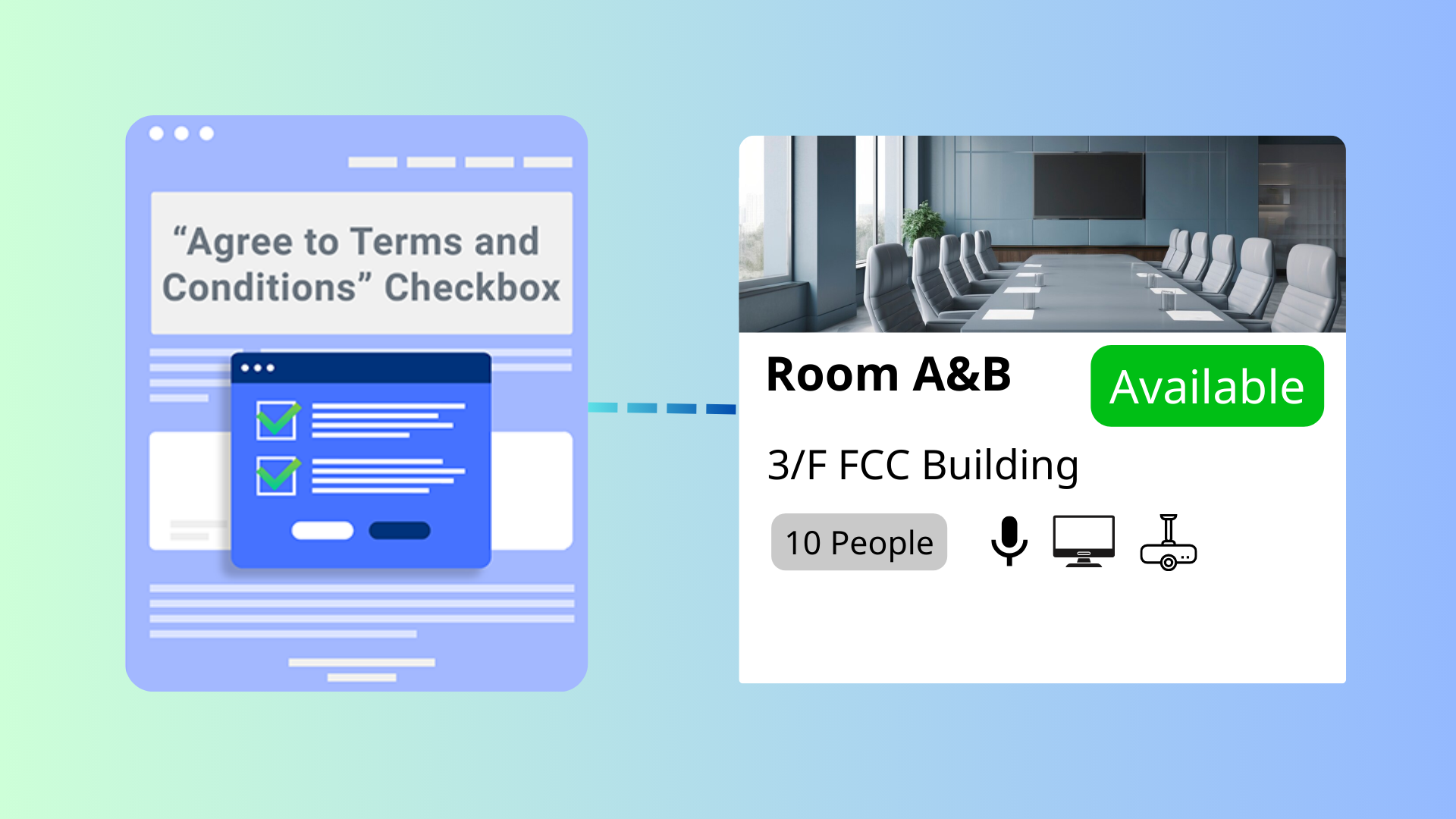
This feature ensures users confirm the Terms and Conditions before creating a booking. Admins can customize the T&C text for each room, requiring users to agree before proceeding.
The Booking Terms and Conditions Confirmation feature in Offision ensures complete transparency and user compliance by integrating a confirmation process into the booking workflow.
This feature is essential for businesses that require clear communication and adherence to policies, especially when managing various rooms with different rules.
Enhanced Transparency:
Customizable for Different Rooms:
Improved Compliance:
Streamlined User Experience:
Error Prevention:
Professionalism:
Reduced Admin Burden:
This feature is a valuable addition to Offision, ensuring clear communication and compliance while allowing room-specific flexibility. However, proper implementation and thoughtful Terms and Conditions wording are essential for maximizing its effectiveness.
Start your free trial today and transform your workspace in minutes.
Follow these steps
Navigate to “Advanced policy” and create / edit a policy
Navigate to “Confidentiality” tab and enable “Terms and Conditions”
Input "Terms and Conditions" content
Navigate to the "Room," "Desk," and "Equipment" to create / edit resources
Set the policy to the resources
Navigate to “Advanced policy” and create / edit a policy
Navigate to “Confidentiality” tab and enable “Terms and Conditions”
Input "Terms and Conditions" content
Navigate to the "Room," "Desk," and "Equipment" to create / edit resources
Set the policy to the resources
Trusted by organizations worldwide
Join hundreds of companies streamlining their workspace management with Offision