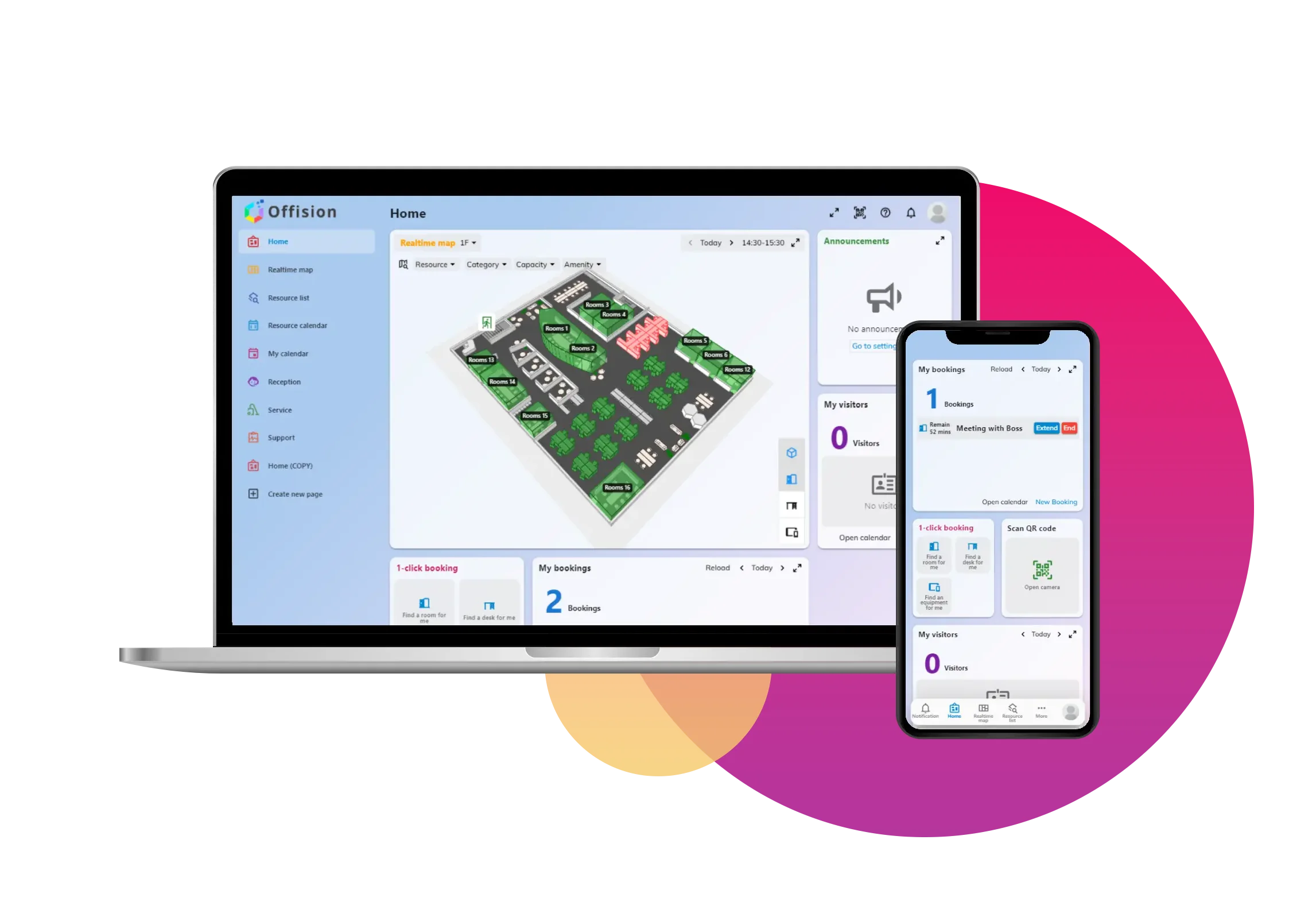
Sync Microsoft resources and meeting room calendars with Offision. Your employees can easily book on both platforms without scheduling conflicts.

Keep meeting room and resource calendars in sync between Offision and Microsoft 365. Avoid double bookings and conflicting reservations across Outlook, Teams, and the Offision app.
Two-way calendar sync with Exchange Online
Real-time availability across platforms
Meeting room and desk resource sync
Exchange integrationConnect Offision to your organization's Microsoft Entra ID for seamless single sign-on. Employees sign in once and access rooms, desks, and visitor management without extra passwords.
Lock in AI-picked times and rooms, add services and guests — no tab-switching.
Explore OutlookReserve desks, get smart room picks, and see who’s in — without leaving Teams.
Explore TeamsOne Global Administrator approval connects the organisation. Rooms, people and groups sync automatically, without an individual mailbox or a stored client secret. Available for the worldwide Microsoft 365 cloud; 21Vianet requires delegate mode or your own Entra ID app.
Connect through one Microsoft account and its existing calendar permissions. Add each room after granting that account access to its mailbox. People are imported, and group sync is unavailable. The stored sign-in can expire if unused.
Use your organisation’s app registration and credentials. Choose application or delegated permissions to fit your policy, including resource-only options that exclude personal calendars, single sign-on and people sync.
Single sign-on with Microsoft Entra ID for secure, passwordless access.
Application mode syncs people and groups automatically. Delegate mode imports people and does not sync groups; custom app capabilities depend on the selected mode.
Two-way sync between Offision and Exchange for rooms and resources.
Book rooms and desks directly from Outlook calendar.
Reserve desks and get room suggestions right inside Teams.
Full Exchange Online support for calendar and resource sync.
Offision integrates with Entra ID for single sign-on, Exchange Online for calendar and resource sync, Outlook add-in for in-app booking, and Microsoft Teams for desk and room reservations. User and group data can be synced from Azure AD.
With Entra ID single sign-on enabled, employees use their Microsoft account to access Offision. Sign-in and calendar sync are separate; resource-only connection modes do not include single sign-on.
Yes. Offision syncs two-way with Exchange Online. Bookings created in Outlook, Teams, or Offision appear in all platforms, so you avoid double bookings and conflicts.
Choose application mode, delegate mode or your own Entra ID app in Offision Integrations. Application mode uses Offision’s app and one Global Administrator approval; it does not require your own app registration. Choose the mode before connecting: some later conversions are one-way.
Yes. Offision works with both. Use the Outlook add-in to book from your calendar, or the Teams app to reserve desks and rooms without leaving Teams. Both stay in sync.
Yes. With your own Entra ID app, choose Resource only mode or Resource calendar mode. These modes access resource calendars and exclude single sign-on and people sync. Review the permissions shown in the connection wizard with your IT team.
Yes, when a Booking agent account is configured. It books synced rooms on behalf of users who do not have a connected Microsoft 365 account. Use a dedicated Microsoft 365 account rather than a real person’s account.