Neat Devices
 Crestron






 1
1
Event Creation
Everything you need to set up an event in minutes
Event Management
One platform to create, manage, and track all your workplace events.
Part of the Offision smart office platform — Learn about the smart office platform
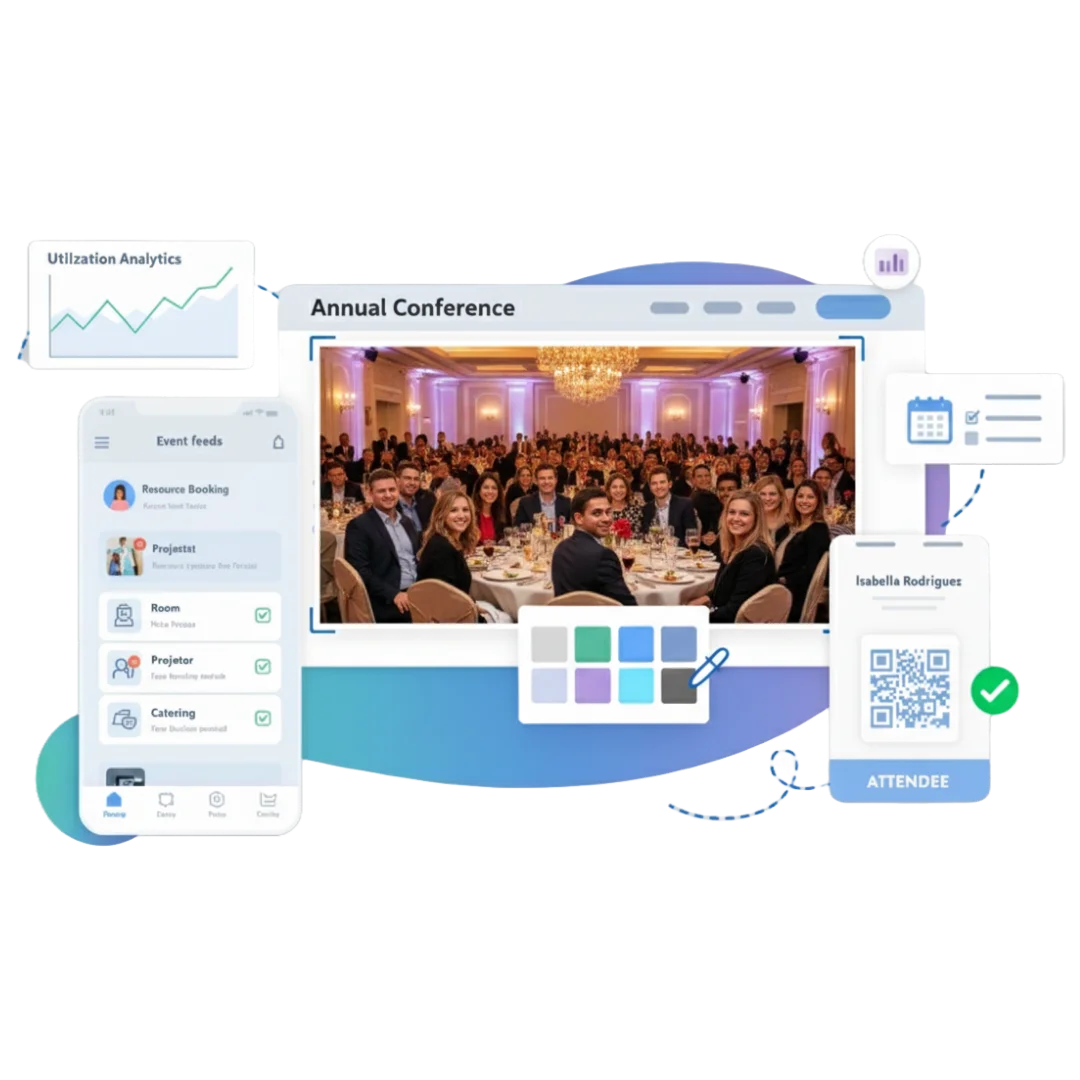
Event management software for workplaces is a platform that helps teams plan, run, and measure internal and external events—covering venue and resource booking, registration, check-in, communications, and post-event analytics. Offision unifies these steps so workplace, HR, and marketing teams can deliver consistent event experiences without juggling separate tools. Common use cases include town halls, training sessions, company-wide conferences, product launches, and onboarding events.
From event creation to post-event insights—all in one platform.
Everything you need to set up an event in minutes
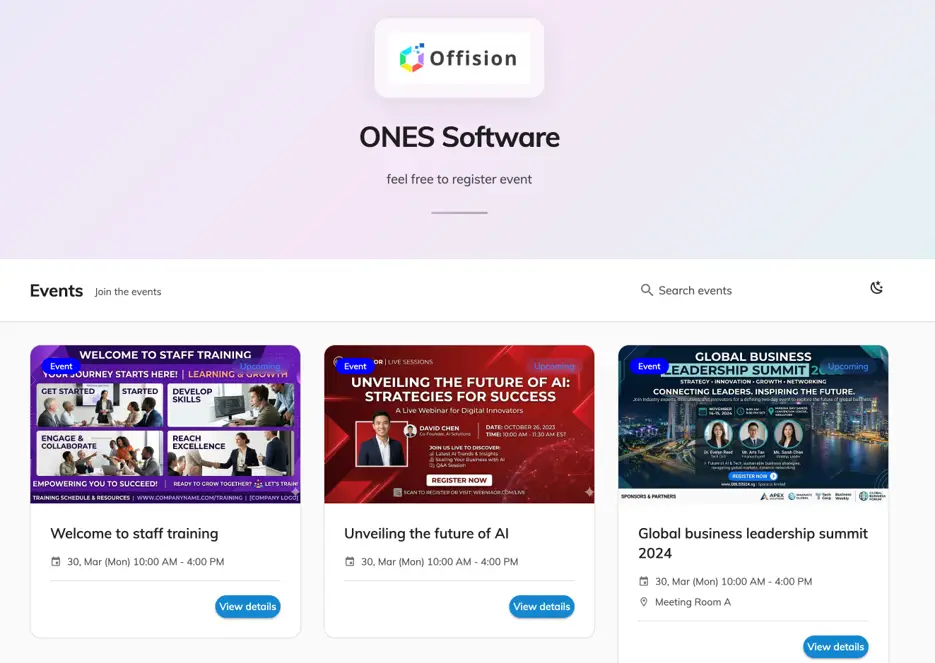
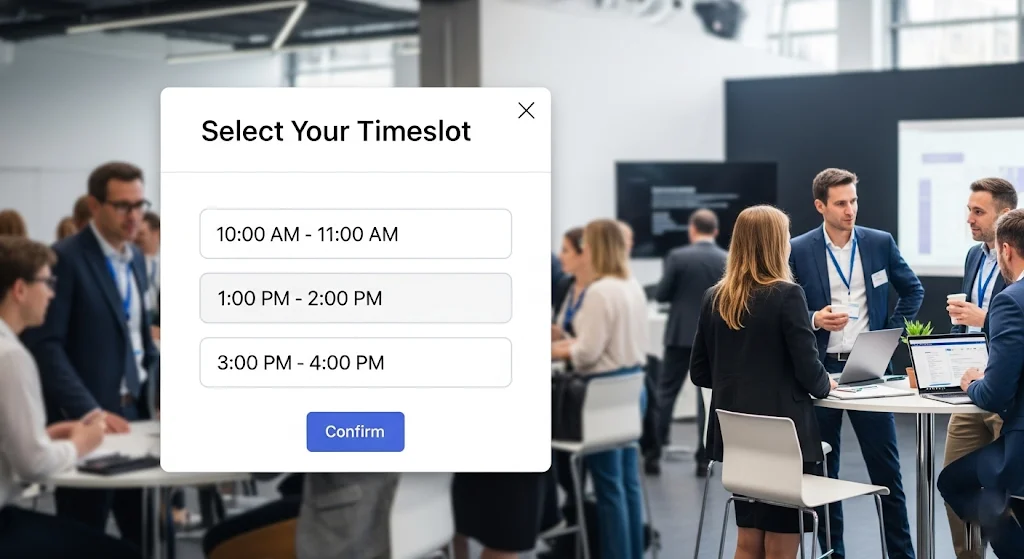
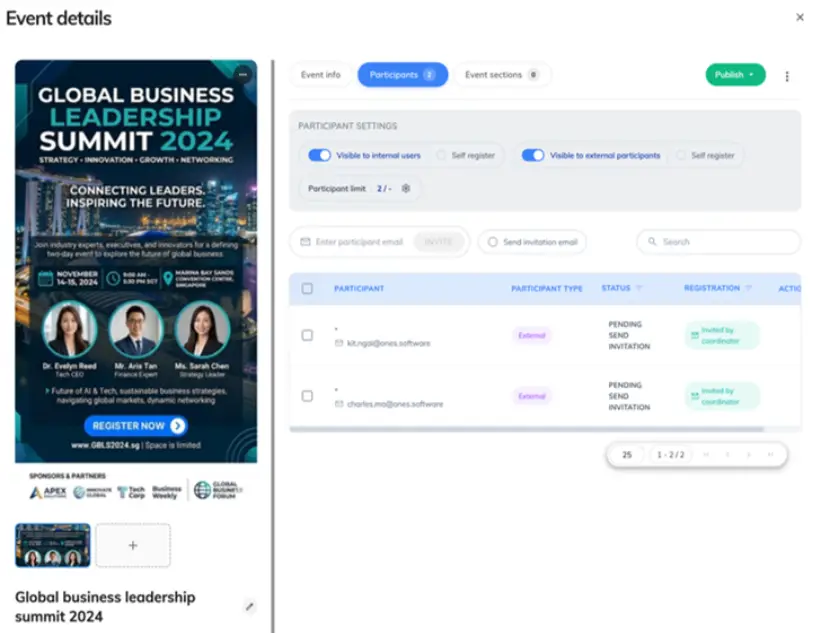
Create branded pages for participants to sign up
One link—attendees register themselves in seconds
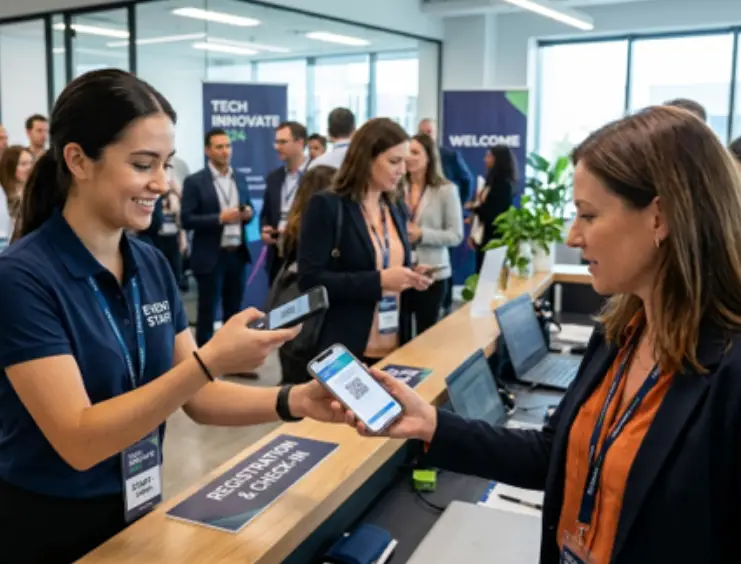
Track who shows up and manage check-ins efficiently
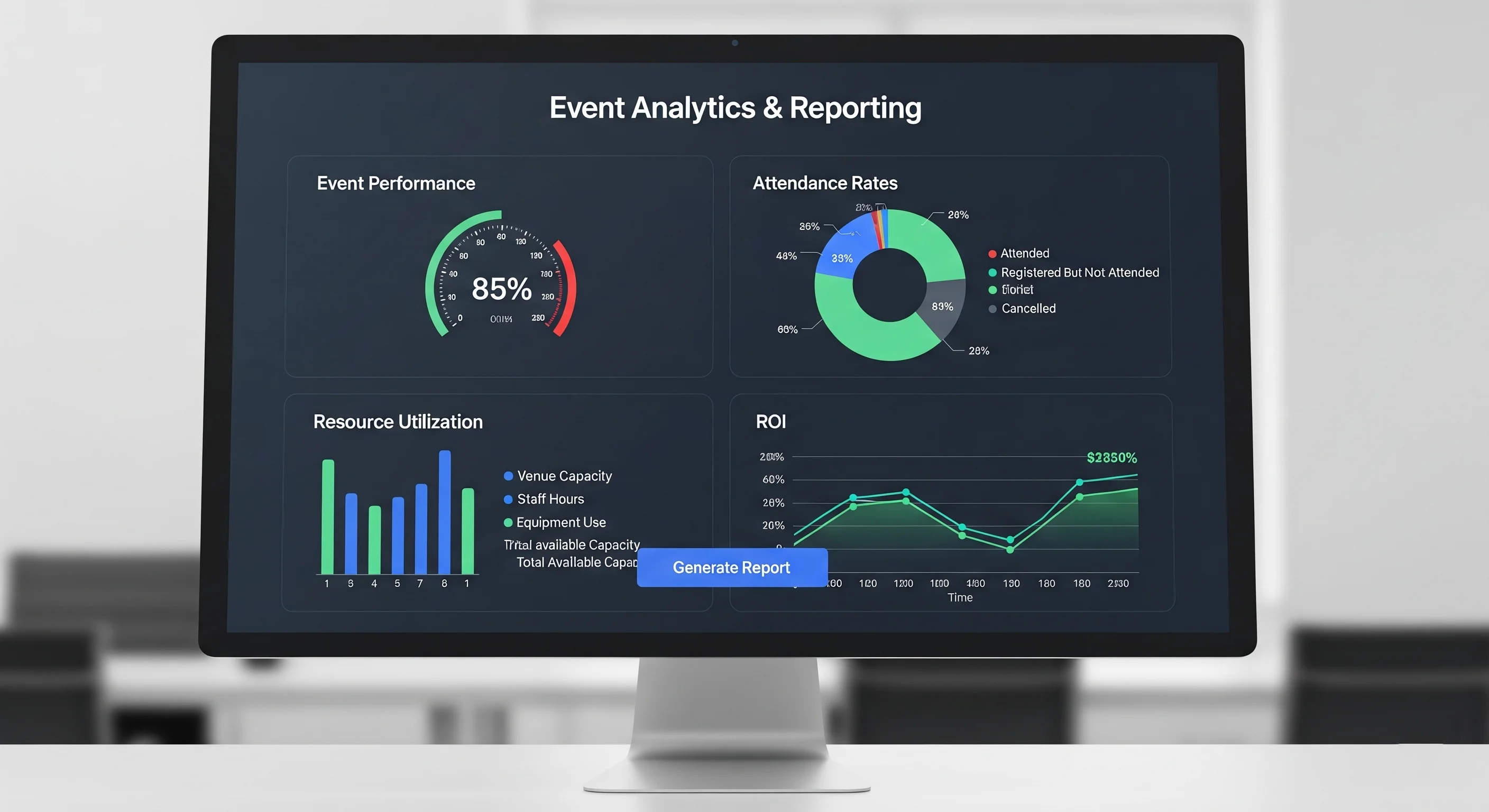
Track registrations, attendance, and engagement
No dedicated event team required—just 3 simple steps.
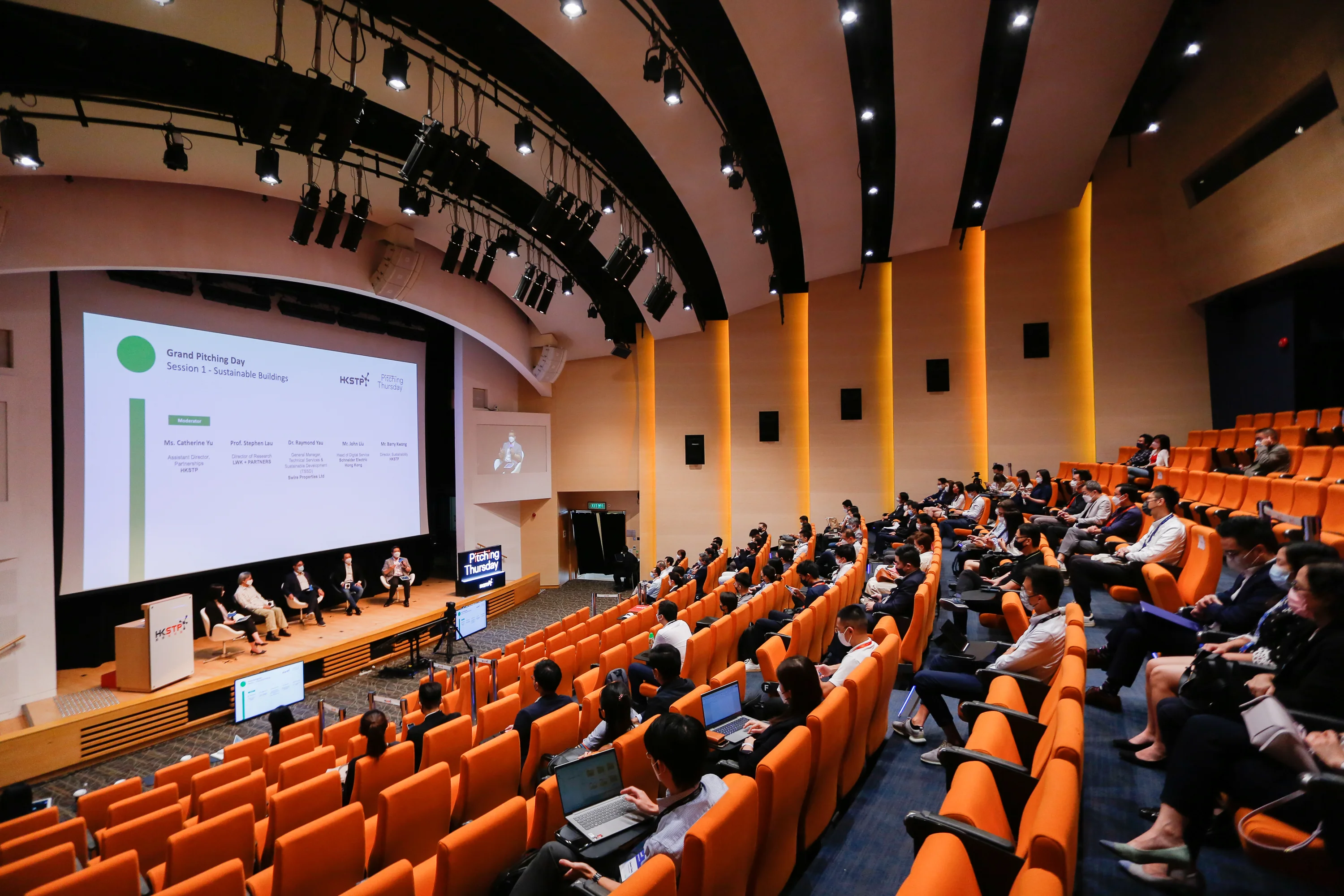
The same platform for employee training and branded events open to guests.
Run workshops, training, and team activities with limited seats and attendance tracking.
Promote public and invite-only events with open or controlled registration.
Create branded pages for participants to sign up
Match your organization’s look and feel.
Instant confirmations for every registration.
Share links and QR codes anywhere.
Attendees register in seconds on the web.
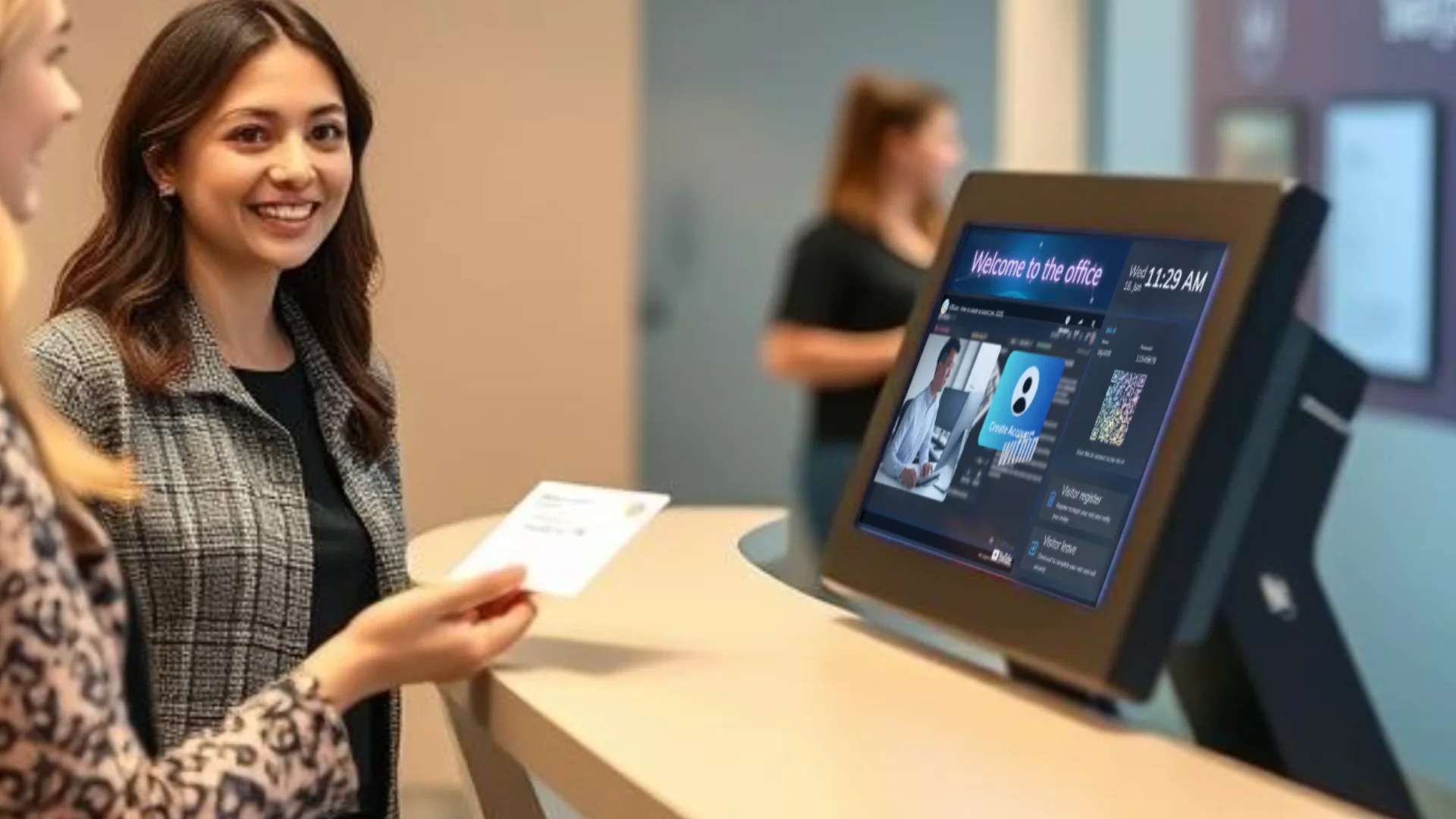
Attendees see everything they need at the door
Event name, time & location at a glance
QR code scan to check in instantly
Syncs in real time across all panels
Everything event coordinators need, in one place
View and manage all events, participants, and history. Publish or pause events anytime.
Configure custom forms, fields, and confirmation settings.
Organize events by type: webinars, classes, trade shows, and more.
Assign coordinators and helpers to manage each event.
Set max capacity per event and auto-close registration when full.
Integrate with Teams, Zoom, and other platforms for virtual events.
Start in minutes with registration pages, QR check-in, and analytics connected to your rooms and desks.
Connected modules that work with events across your workplace.
Integrate with Teams, Zoom, and more for webinars and virtual events.
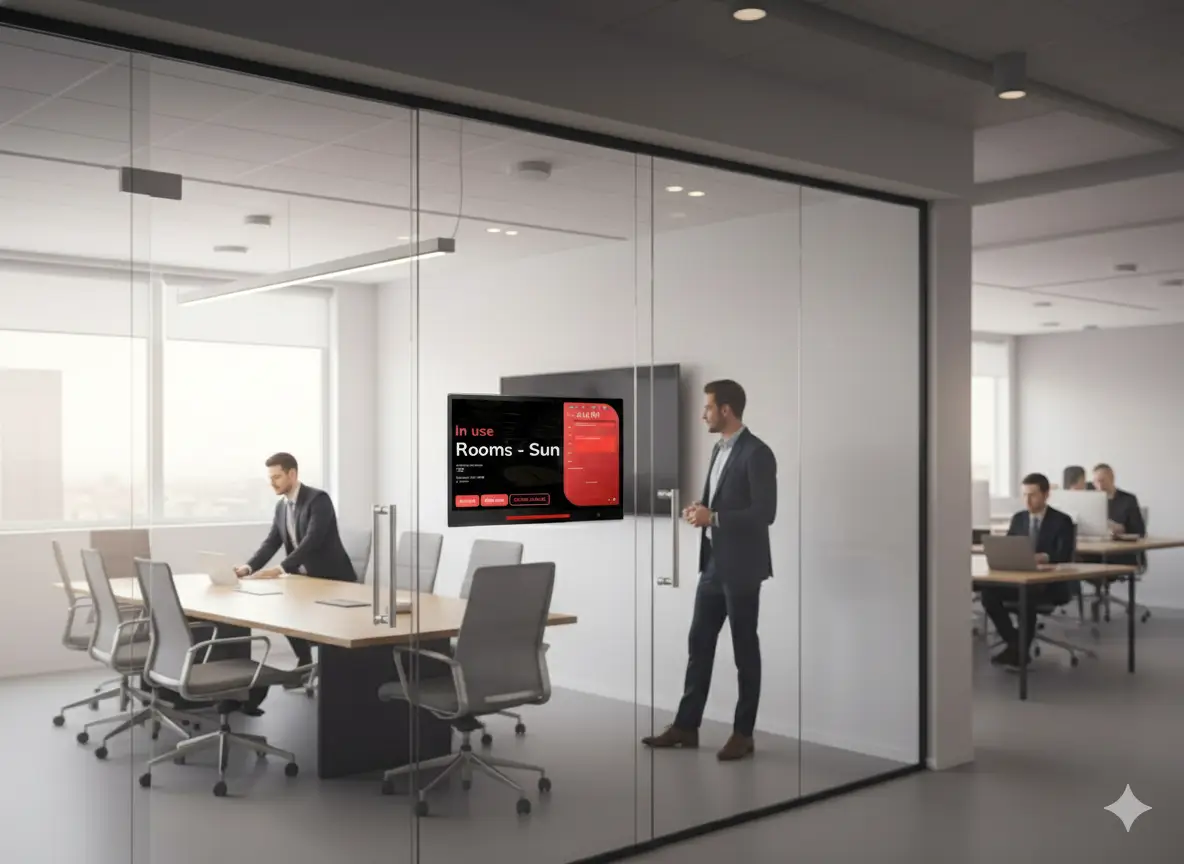
Learn moreBook event venues and manage space reservations for your events.
Learn moreDisplay real-time event progress and information on dedicated panels.
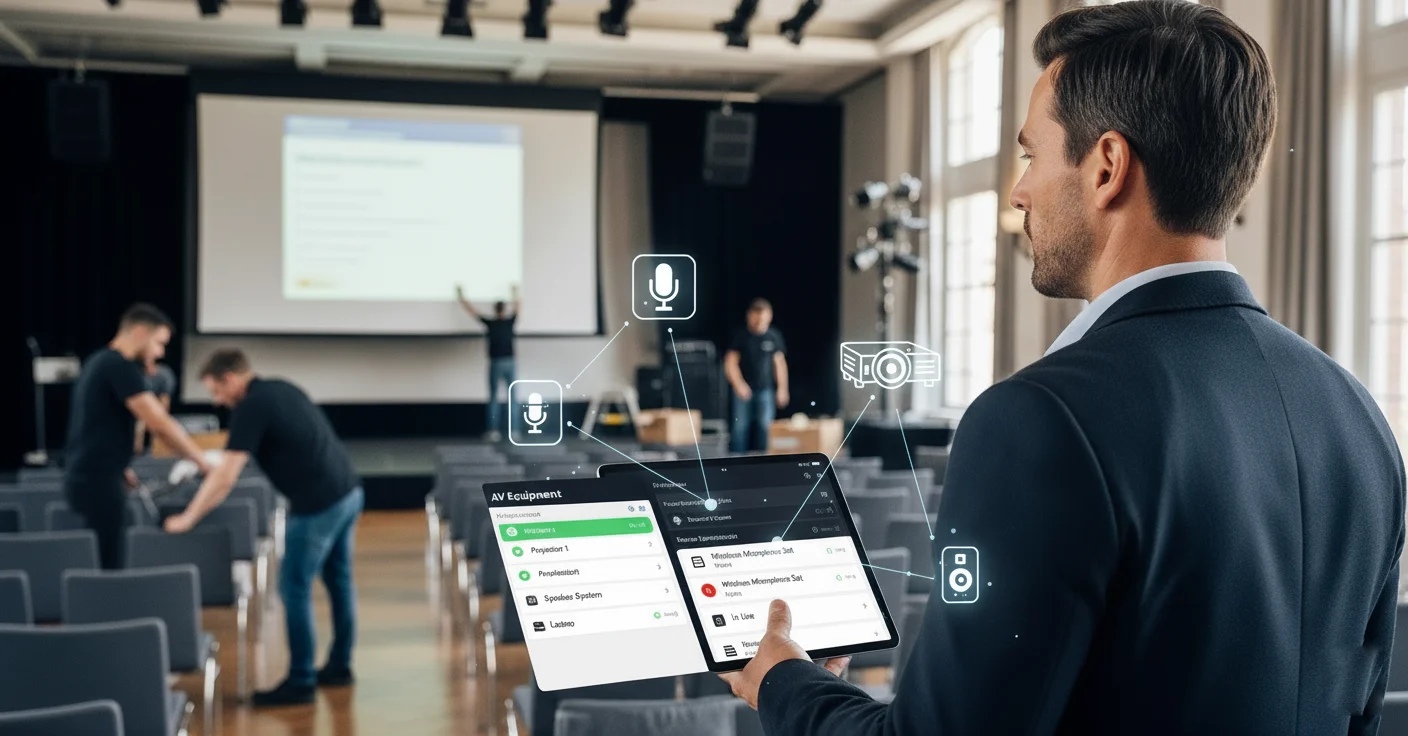
Learn moreReserve projectors, microphones, and other equipment for your events.
Learn moreDisplay event information on digital signage throughout your venue.
Learn moreIntegrate event data with your existing tools via REST API.
Learn moreClear answers about internal and external workplace events on Offision.
Workplace event management software is a platform that helps HR, workplace, and marketing teams plan, promote, and run events such as town halls, training, company days, client visits, and external conferences. Offision combines venue booking, registration, check-in, reminders, and analytics in one system.
Yes. Offision supports private internal events (open only to employees or selected groups) and public external events with branded registration pages, so you do not need a separate tool for each audience.
Yes. Each event has a registration page with a configurable form, capacity rules, and confirmation emails. Attendees receive their ticket and QR code automatically for check-in.
Use QR-code self-check-in at the door, a staff-assisted scan, or kiosk mode. Offision records attendance in real time and can sync it with the rest of your workplace data.
Yes. Event invites and schedules sync with Outlook and Microsoft Teams, and attendees can join online events directly from the invite.
Yes. Event creation is tied to the Offision room-booking system, so you can reserve meeting rooms, equipment, and services in the same flow.
Yes. Offision provides real-time dashboards and post-event analytics covering registrations, check-ins, no-shows, engagement, and survey responses so you can refine future events.
Yes. Offision is ISO 27001 certified with role-based access, audit logs, and configurable data retention so attendee information is handled according to your policies.
ISO 27001:2022 Certified | ISMS Audited
SSO via Microsoft Entra ID & Google. Role-based access ensures only event admins manage data.
Only authorized admins can view attendee records. Automated data cleanup for compliance.
Tamper-proof event audit trails. Continuous monitoring & data retention compliance.
99.9% uptime • Regional availability zone • Data encrypted at rest & in transit Check our security


©2026 ONES Software Ltd. All rights reserved.