Offision Google Workspace
Google Workspace Integration

Power your workplace operations within Google

Give teams the ability to manage rooms and desks in the tools they already use — Google Calendar and Google Meet — all with one integrated platform.

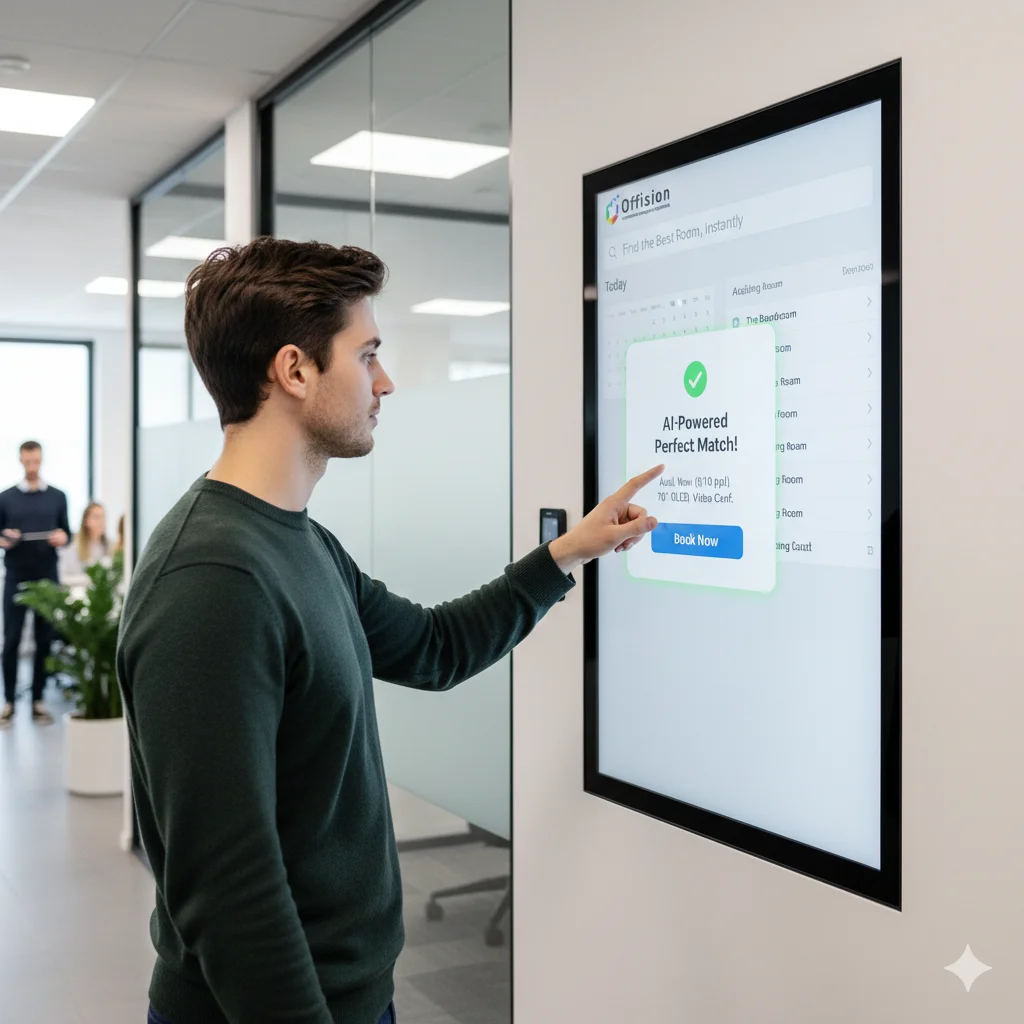
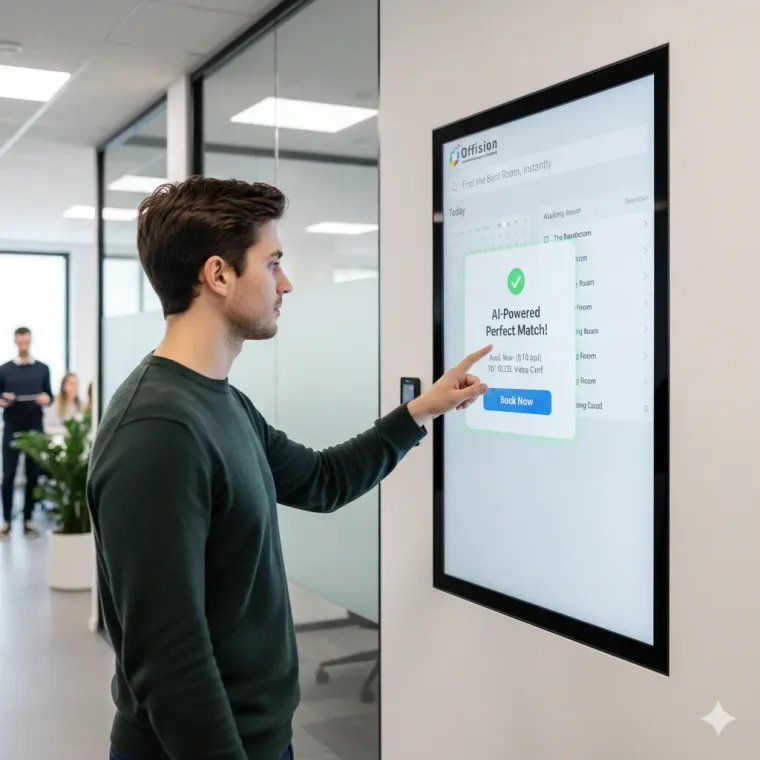
Offision workplace booking interface connected with Google Workspace

Simplify account sign-on

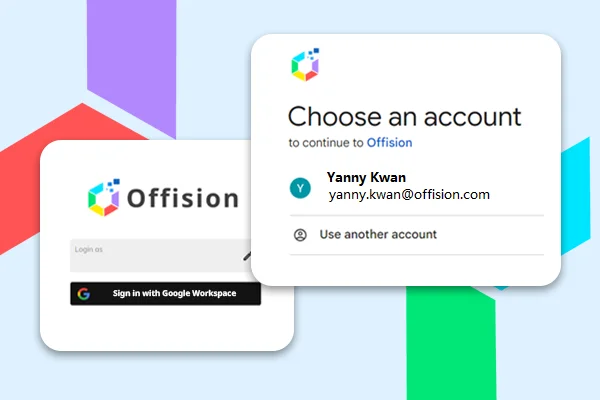
Employees sign in to Offision with their Google Workspace account. One identity for rooms, desks, and visitors.

Sync resource calendars

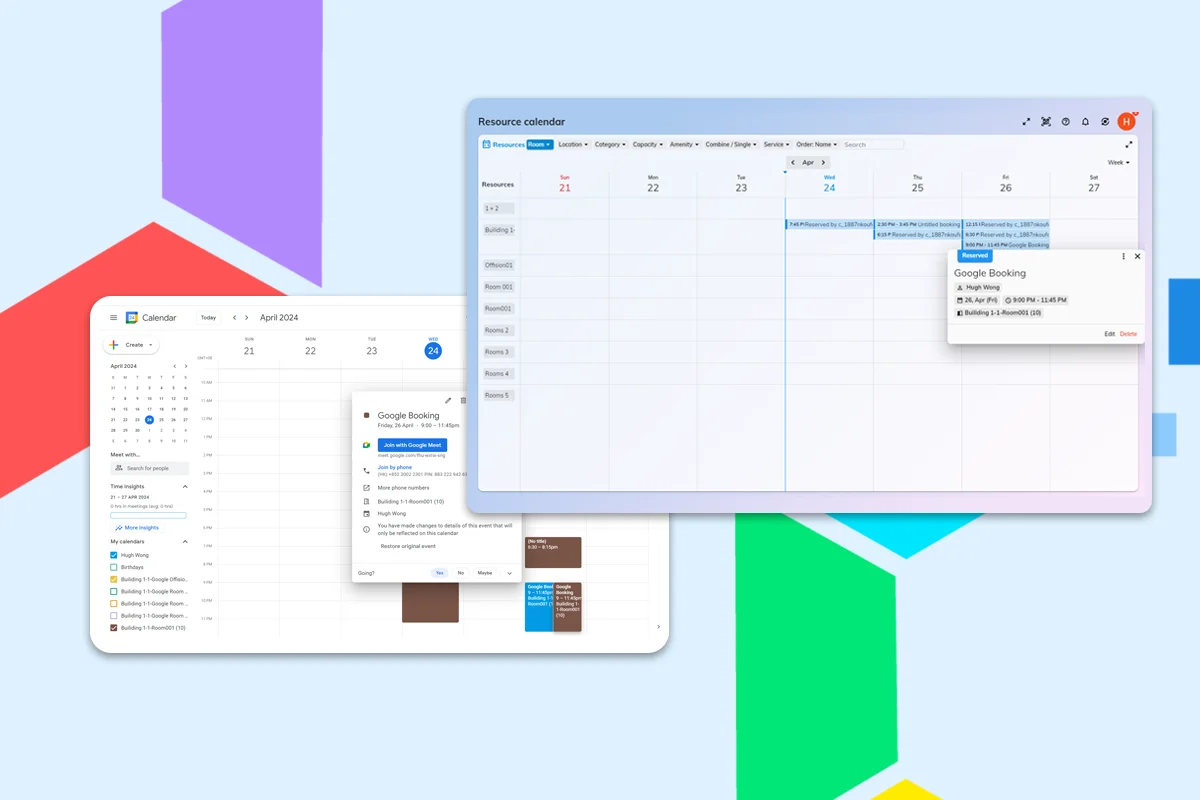
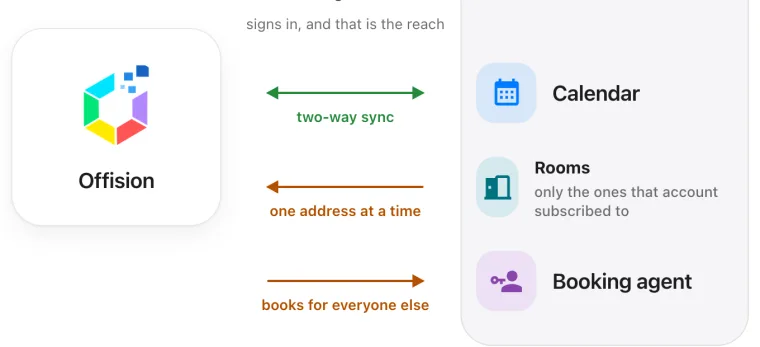
Keep Google Calendar and Offision in two-way sync so rooms stay accurate on both sides — no double bookings.

Connect rooms once

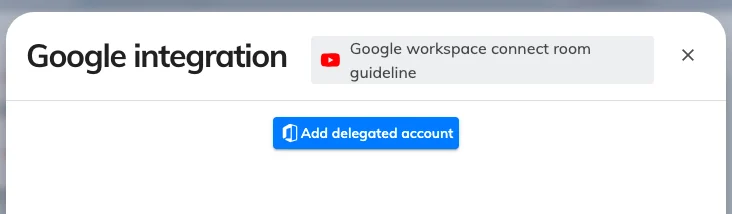
Import Google room calendars and keep availability live. Admins connect a delegated account; employees just book.

Identity management

Single Sign-On with Google

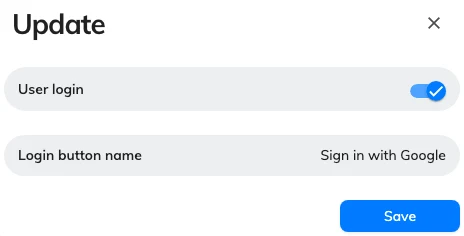
Connect Offision to Google Workspace so employees sign in with the same Google account they already use. No extra password for rooms, desks, or visitor management.

  • One-click sign-on with Google credentials
  • A login button name your team actually reads
  • Sign-in stays separate from calendar sync
Single Sign-On with Google
Calendar sync

Sync calendars and rooms

Keep meeting room calendars in sync between Offision and Google Calendar. Bookings created in either place stay aligned, so you avoid conflicts.

  • Two-way calendar sync with Google Calendar
  • Live availability across Offision and Google
  • Room calendars connected through a delegated account
Sync calendars and rooms
Calendar & Meet

Works with Google Calendar and Meet

Book rooms from Google Calendar and add Meet links to Offision bookings, without switching to a separate workplace tool.

Book rooms from Google Calendar

Book it in Google Calendar.

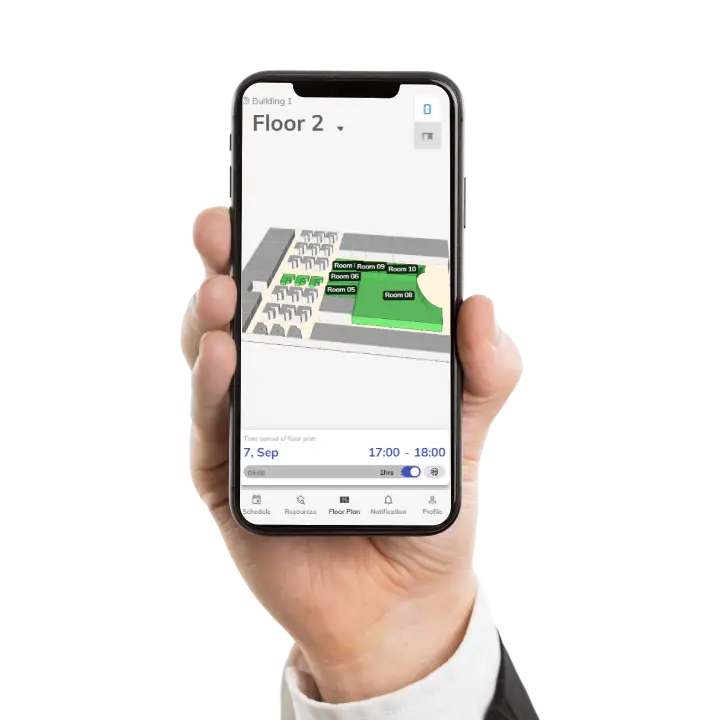
Rooms stay in sync with Offision, so a booking in Calendar is a booking on the floor plan.

Explore room booking
Add Google Meet links to bookings

Meet links where you book.

Generate Google Meet links with the booking, so hybrid meetings open from the same reservation.

Explore Google Meet
Capabilities

What Google Workspace integration delivers

Google SSO

Single sign-on with Google Workspace for secure access without a second password.

Quick connect

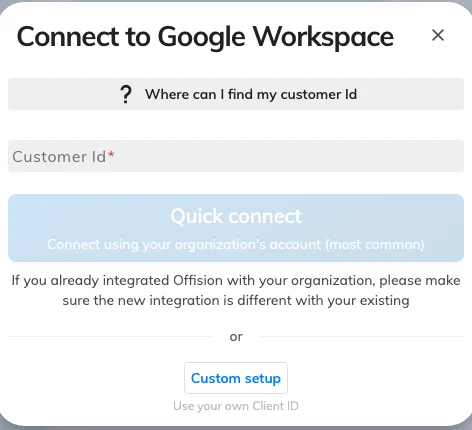
Connect your Google Workspace tenant with Customer ID and a delegated account.

Room calendar sync

Bring Google room calendars into Offision and keep availability two-way.

Google Calendar booking

Find and book the right room from Calendar while Offision enforces the rules.

Who's on-site

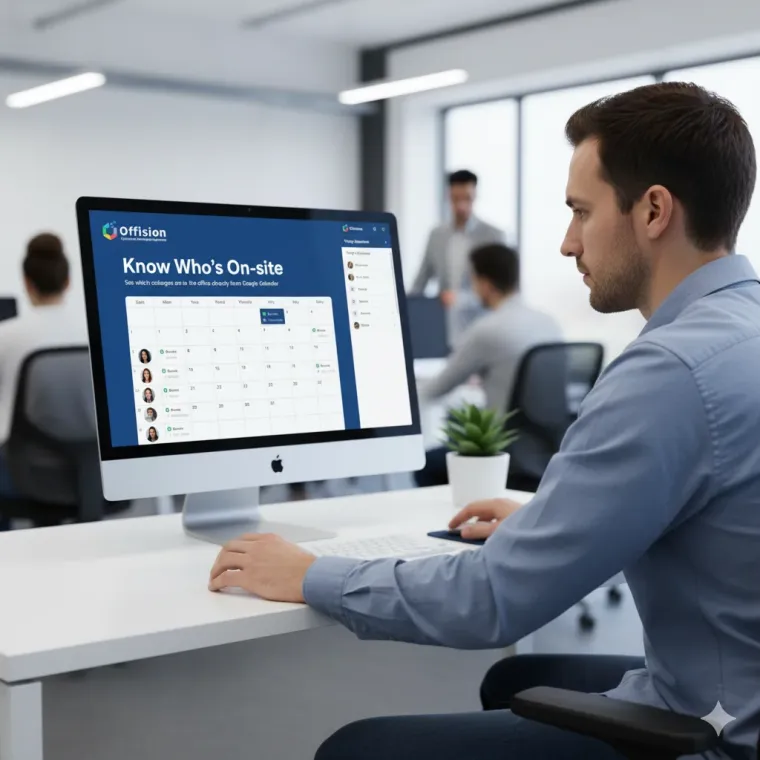
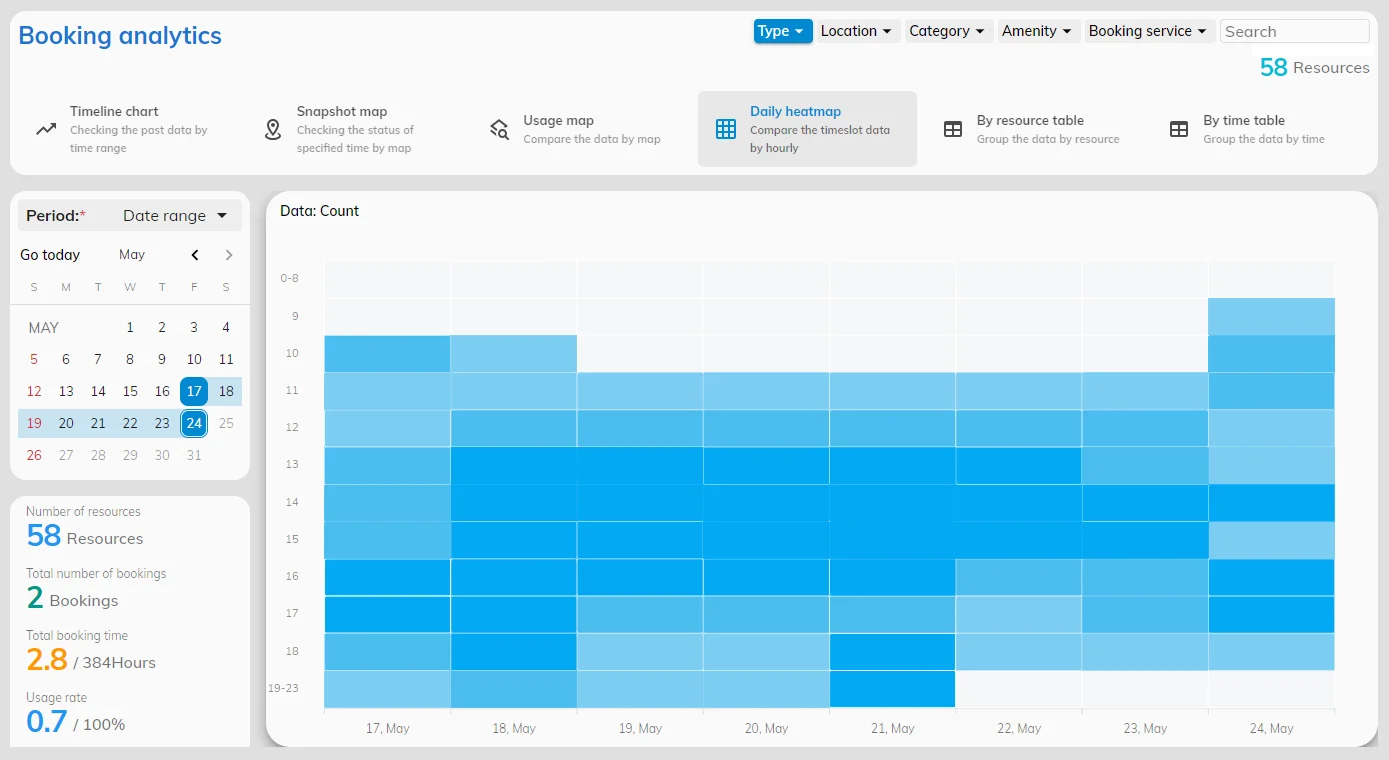
See occupancy alongside Google Calendar so people find colleagues and free rooms.

Two-way Google sync

Calendar stays two-way; rooms follow the delegated account your admin connected.

FAQs

Frequently asked questions

Everything you need to know about Google Workspace integration with Offision.

Offision integrates Google sign-in, two-way Google Calendar sync for rooms, and Google Meet link generation. Connection mode decides what syncs automatically versus what an admin adds by hand.

No. With Google SSO turned on, people sign in with their Google Workspace account. Calendar sync and sign-in are separate switches, so you can sync rooms without SSO if you prefer.

Yes. Connected room calendars sync two-way. A booking made in Google Calendar or Offision appears on both, and Offision still applies its own booking rules.

An admin opens Integrations, enters the Google Customer ID, and chooses quick connect or a custom Google Cloud app. Room calendars are added through a delegated Google account. The Help Center walks through each mode.

Yes. Calendar sync keeps rooms aligned; the Google Meet connector adds a meeting link to bookings. They are separate integrations you can turn on independently.

Still have questions?

Our team is here to help. Reach out for setup support or a personalized demo.

Take the next steps toward a smarter workplace

Unify your workplace operations with Google Workspace and Offision. Get started today.