Neat
Neat
 Crestron

Reception has no list of who is coming
No Receptionist permission — no desk view.
Receptionist page: invites, walk-ins, on-site list.
How the Offision receptionist page worksProblems you recognise Rooms and desks
The desk should know who is coming before they reach the glass. Most offices still find out when someone is already waiting.
Content reviewed: September 2026
No Receptionist permission — no desk view.
Receptionist page: invites, walk-ins, on-site list.
How the Offision receptionist page worksNo invitation — empty list while people queue.
Every visit starts with a host invitation.
How Offision invitations populate the deskPaper diary beside a digital list — staff ignore the app.
Same record from desk, kiosk or room panel.
How Offision keeps one visitor recordNo check-out — yesterday's guests still on site.
On-site list updates at check-out.
How Offision check-out worksThe same problem costs each group something different — and they rarely compare notes.
They work the lobby blind — a paper diary, a phone, and no view of who was invited for 10am.
They assume the desk already knows their guest is coming, then get a call when nobody is on the list.
They need a current on-site list for evacuation and access reviews, not yesterday's names still marked as in.
Give them the Receptionist permission. The app then shows today's invitations, walk-in registration and who is on site.
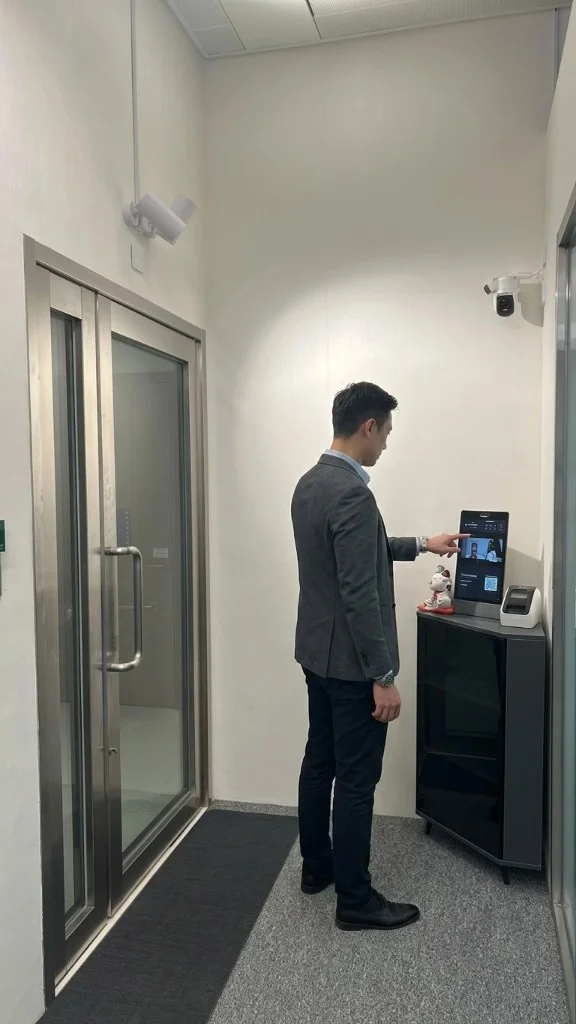
Three: a staffed desk, a lobby screen the guest uses themselves, and the panel outside the room they were invited to. All three write the same record.
Yes — once they check out, or once a receptionist marks them out. Until then they stay on the on-site list.

Walk through your estate, your booking rules and your calendar setup with our team — or start free and try it on one floor.


©2026 ONES Software Ltd. All rights reserved.