Neat
Neat
 Crestron

Another login, another app
Another login — students email the office instead.
Book from phone or a portal link they already use.
How the Offision user app shows upProblems you recognise Campus admin
Students already have a portal, email and a timetable. A booking tool they only meet on a webpage they cannot find will stay empty — and the rooms will still be booked on paper.
Content reviewed: September 2026
Another login — students email the office instead.
Book from phone or a portal link they already use.
How the Offision user app shows upNo panel or QR — students walk in unbooked.
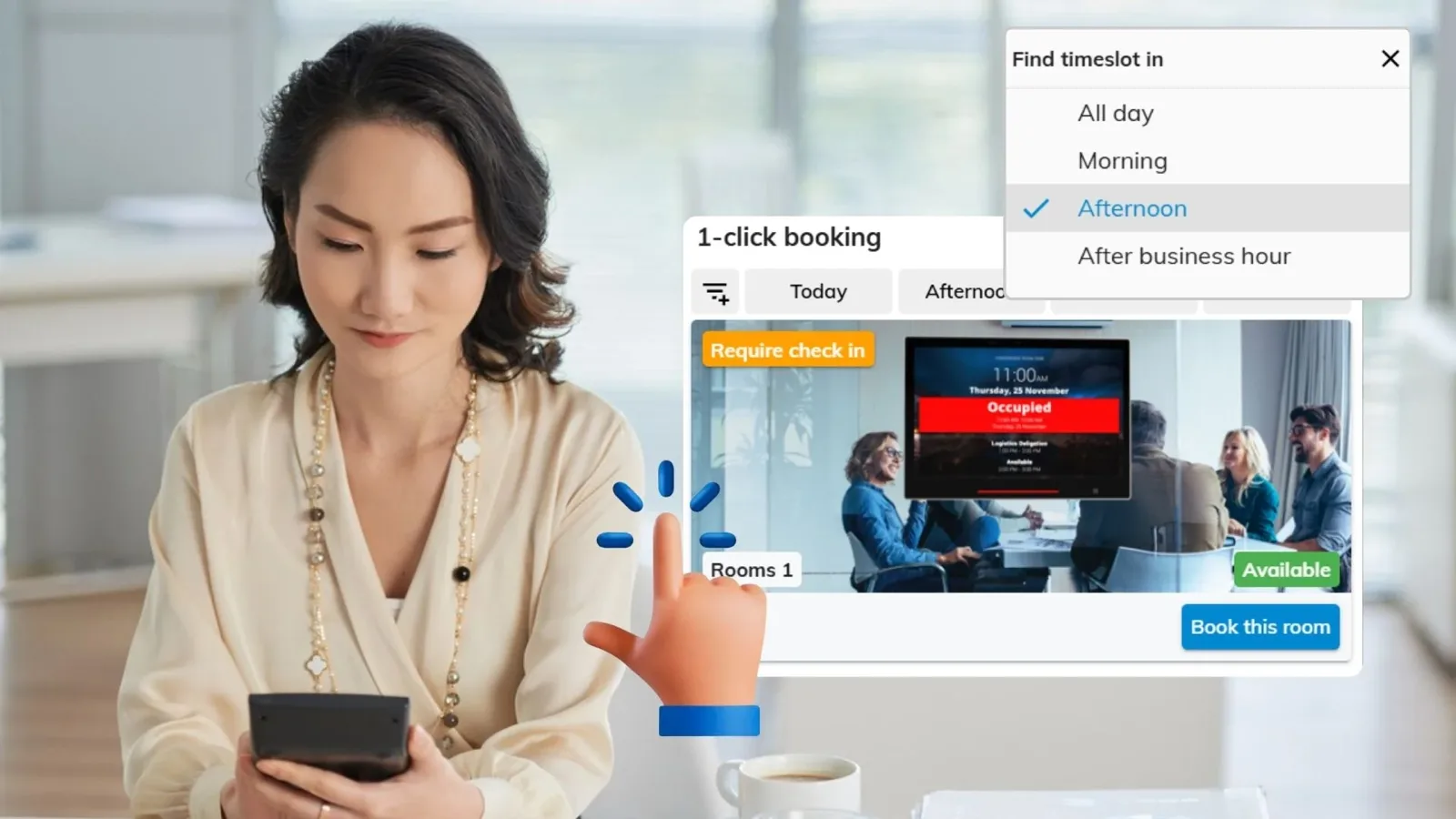
Panel or QR at the door shows if it is free.
What the booking panel is forA list is not wayfinding on the floor they stand on.
Live availability on the floor map.
How the campus map shows availabilityWalk-ups between classes need a real booking.
Book the next slot from the panel.
How walk-up booking works on the panelThe same problem costs each group something different — and they rarely compare notes.
They give up after the first extra login and send a message to the office instead.
They still take paper lists because the official tool is never where the student is standing.
They own another identity they have to support, for a tool the campus will not adopt.
No. They can book from the web app, a link on the school portal, a door panel or a QR sticker. A native app is optional.
Yes. A panel or QR at the door shows live status and can take a walk-up booking for the next free slot.
Yes. The same map used for wayfinding colours rooms by live availability, so they book the space they are already looking at.

Walk through your estate, your booking rules and your calendar setup with our team — or start free and try it on one floor.


©2026 ONES Software Ltd. All rights reserved.