
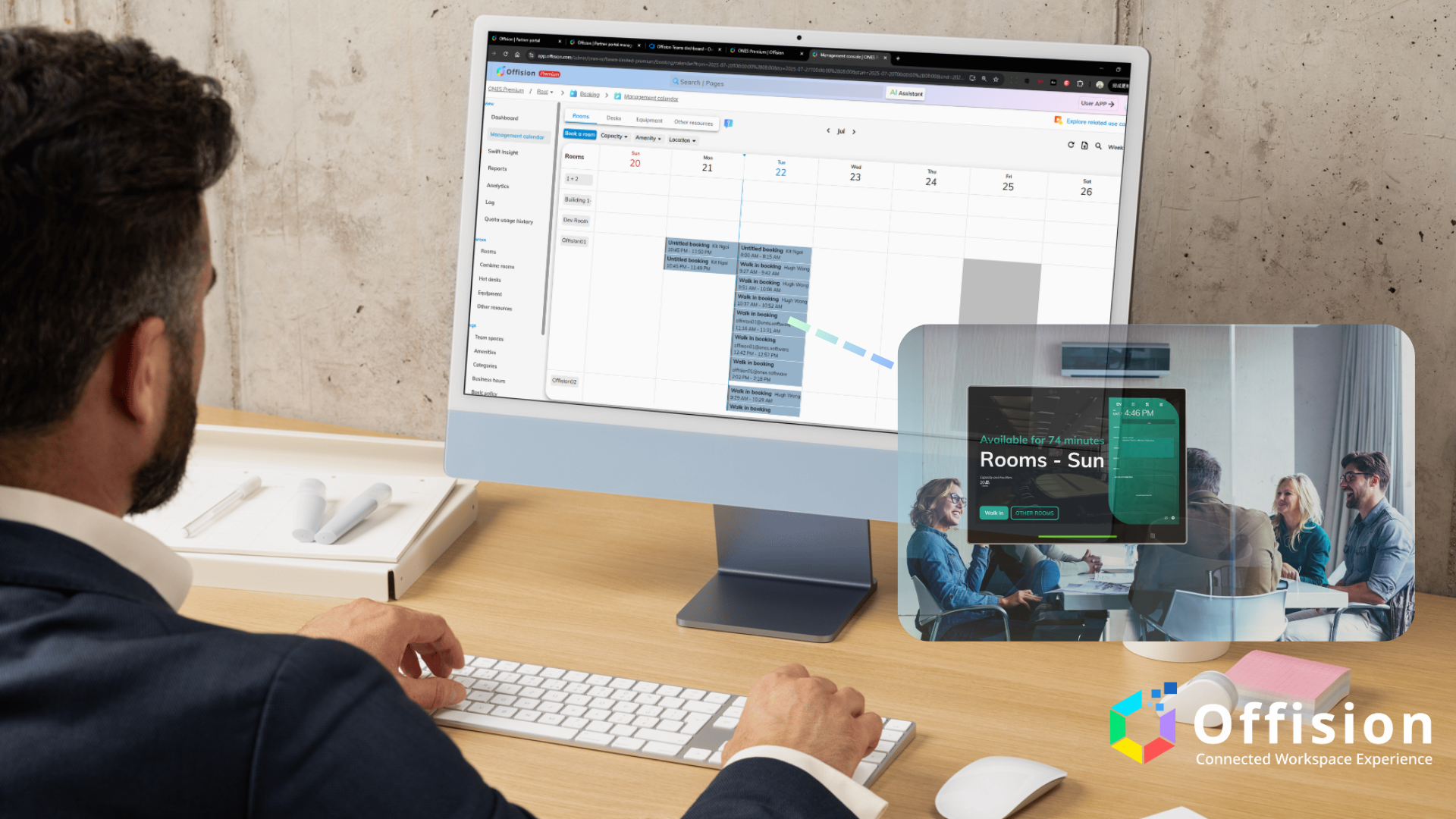
什麼是Offision Booking Management Calendar?
The Offision Management Calendar provides a complete view of your resource bookings. Filter, search, check details, and manage bookings effortlessly, all from one centralized calendar interface.
模組總覽
洞察與最佳實踐,協助您優化工作空間
The Offision Management Calendar is an intuitive tool designed to help you efficiently manage and track resource bookings in a single, centralized interface. It simplifies booking operations, ensuring that your scheduling process is both streamlined and error-free. Key features of the Management Calendar include:
Comprehensive Calendar View
- A visual representation of all resource schedules, making it easy to monitor bookings at a glance.
Smart Filtering Options
- Filter by capacity, amenities, or location to find the most suitable resource for your needs.
Advanced Search Functionality
- Quickly locate bookings by inviter, date, or meeting subject.
Detailed Booking Information
- Click on any booking to view details such as time, participants, and purpose.
Booking Status Tracking
- Instantly identify the status of bookings, including:
- No-show bookings
- In-use bookings
- Waiting for check-in bookings
Export Options
- Export all booking data to an Excel file for reporting, analysis, or record-keeping.
Full Booking Management Control
- Easily create new bookings, edit existing bookings, or cancel reservations directly from the calendar interface.
By using the Offision Management Calendar, users save time, minimize scheduling conflicts, and ensure all resources are optimally utilized.
Pros
1. User-Friendly Interface
- The calendar layout is clean, intuitive, and visually organized, making it easy for anyone to use.
2. Enhanced Resource Optimization
- Filters and search options ensure you quickly find the right resource based on specific needs like capacity, location, or amenities.
3. Time-Saving Features
- Advanced search and filter tools reduce the time spent locating or managing bookings.
4. Comprehensive Booking Insights
- Provides clear visibility into booking details and statuses, helping managers stay informed about all scheduled activities.
5. Improved Data Management
- The ability to export booking data to Excel simplifies reporting, sharing, and analysis of resource usage.
6. Flexibility in Booking Management
- Managers can effortlessly handle edits, cancellations, and new bookings from the same platform, reducing administrative overhead.
7. Proactive Problem-Solving
- Status tracking (no-show, in-use, or waiting for check-in) prevents scheduling issues and ensures bookings are properly managed.
8. Increased Productivity
- By centralizing booking operations, users can focus on their core tasks without disruptions caused by scheduling conflicts or mismanagement.
9. Scalable for Organizations of Any Size
- Whether you’re managing a single meeting room or multiple resources across locations, the Management Calendar adapts to your needs.
10. Reliable and Accurate
- Eliminates errors in scheduling and ensures all stakeholders have access to up-to-date booking information.
By leveraging the Offision Management Calendar, businesses and teams can streamline their booking processes, enhance productivity, and ensure optimal use of resources. It's the perfect tool for organizations that value efficiency and precision in scheduling.
備受全球機構信賴
加入數百間使用 Offision 提升工作空間管理效率的企業