In Offision

Problems you recognise Floor space

Report it from the room panel in two taps

Offision lets anyone report a fault from the room panel in two taps. File from the app when you need photos or a named follow-up.

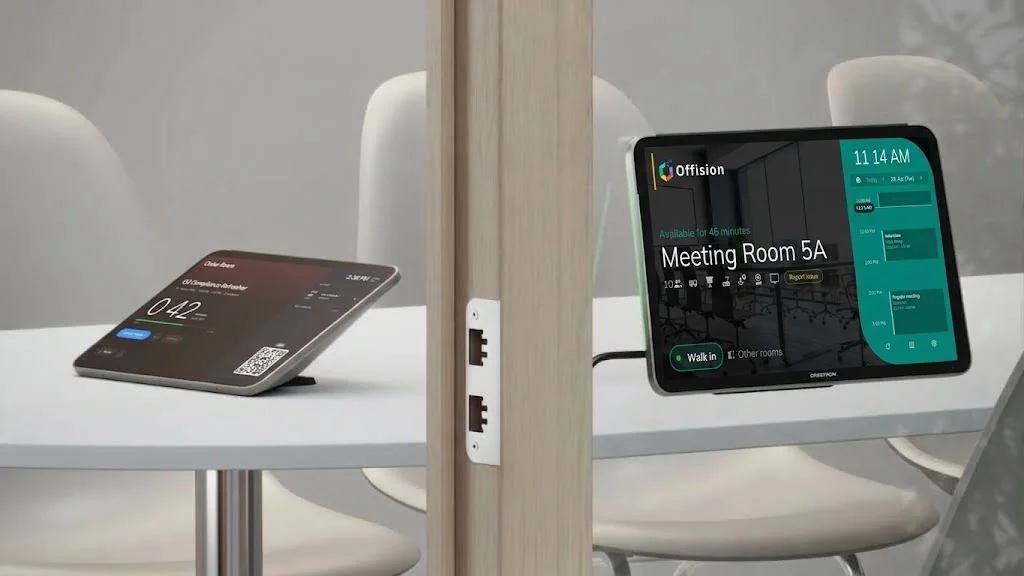
An Offision check-in tablet on a meeting table beside a Crestron door panel showing Meeting Room 5A available, with ethernet ports on the wood pillar between them
In Offision

How Offision panel reporting works

On the booking panel, two taps file the fault against that room and amenity. Support sees it immediately. Use the app instead when you want photographs, a description, or a reply to the person who found it — the panel files as the room, not as a name.

Read in Help Center: Ticketing

Common questions

Yes — two taps, as the room. Use the app if you need photographs or a reply to the person who found the fault.

An Offision check-in tablet on a meeting table beside a Crestron door panel showing Meeting Room 5A available, with ethernet ports on the wood pillar between them
Smiling workplace professional in front of an office floor plan schematic
Next step

See it against your own rooms

Walk through your estate, your booking rules and your calendar setup with our team — or start free and try it on one floor.